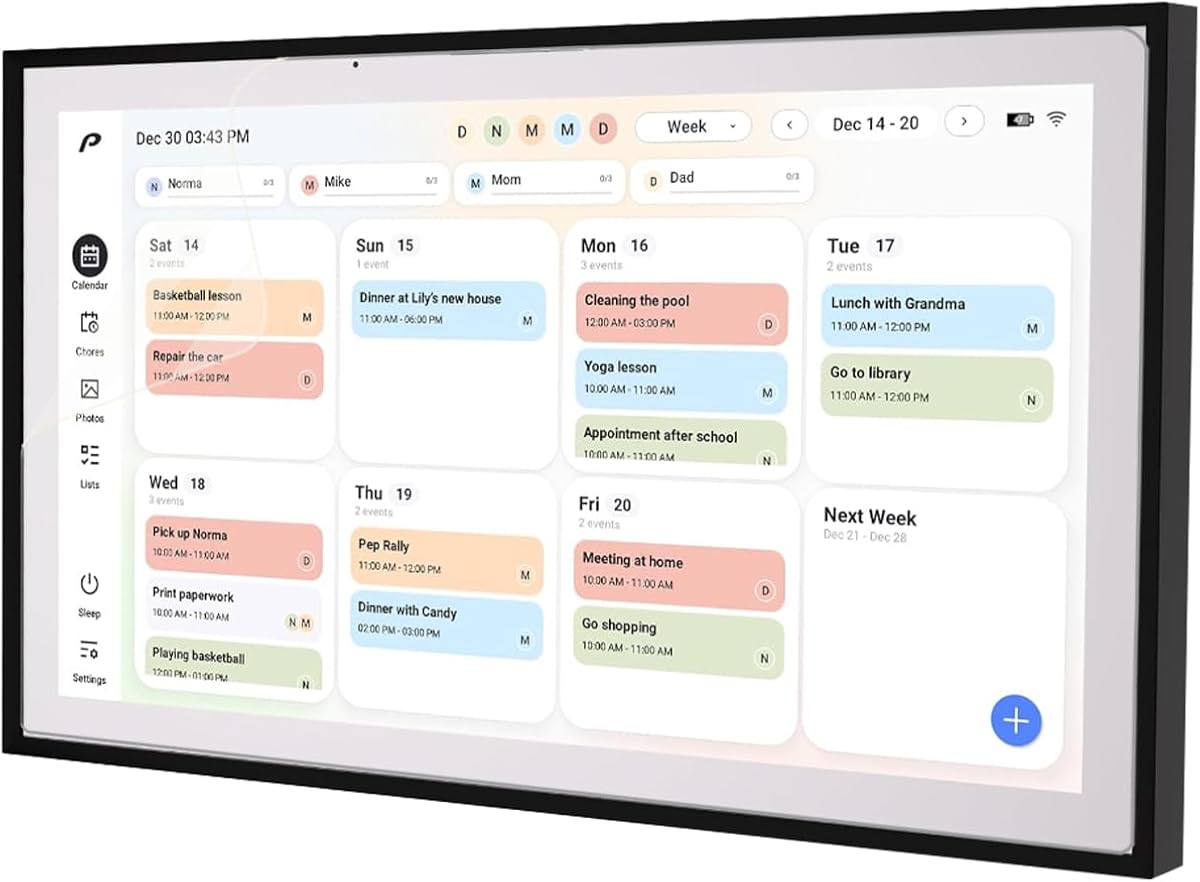
2 Pack Screen Protector for 15.6" Skylight Digital Calendar
5.0Editor score
Ultra-thin 0.15mm thickness
High definition display clarity
Includes cleaning tools and guide
Modern digital calendars bring family scheduling to life with vibrant displays. Protecting these expensive screens from scratches and daily wear is essential for longevity and clarity. A high-quality screen protector ensures your device remains pristine while maintaining touch sensitivity and visual fidelity.
We analyzed ten top-rated screen protectors designed specifically for popular digital calendar models. Our evaluation focused on compatibility, clarity, ease of installation, and additional features like stylus support. This list covers options for various sizes including fifteen inch and ten point one inch displays.
Each product selection includes detailed insights into its unique strengths and potential limitations. We highlight key specifications to help you make an informed decision. Note that product availability and pricing may change over time so check current listings before purchasing.
5.0Editor score

4.2Editor score

3.2Editor score
As an Amazon Associate we earn from qualifying purchases.
This side-by-side comparison highlights the key specifications and unique features of each selected screen protector to help you choose the right match for your device.

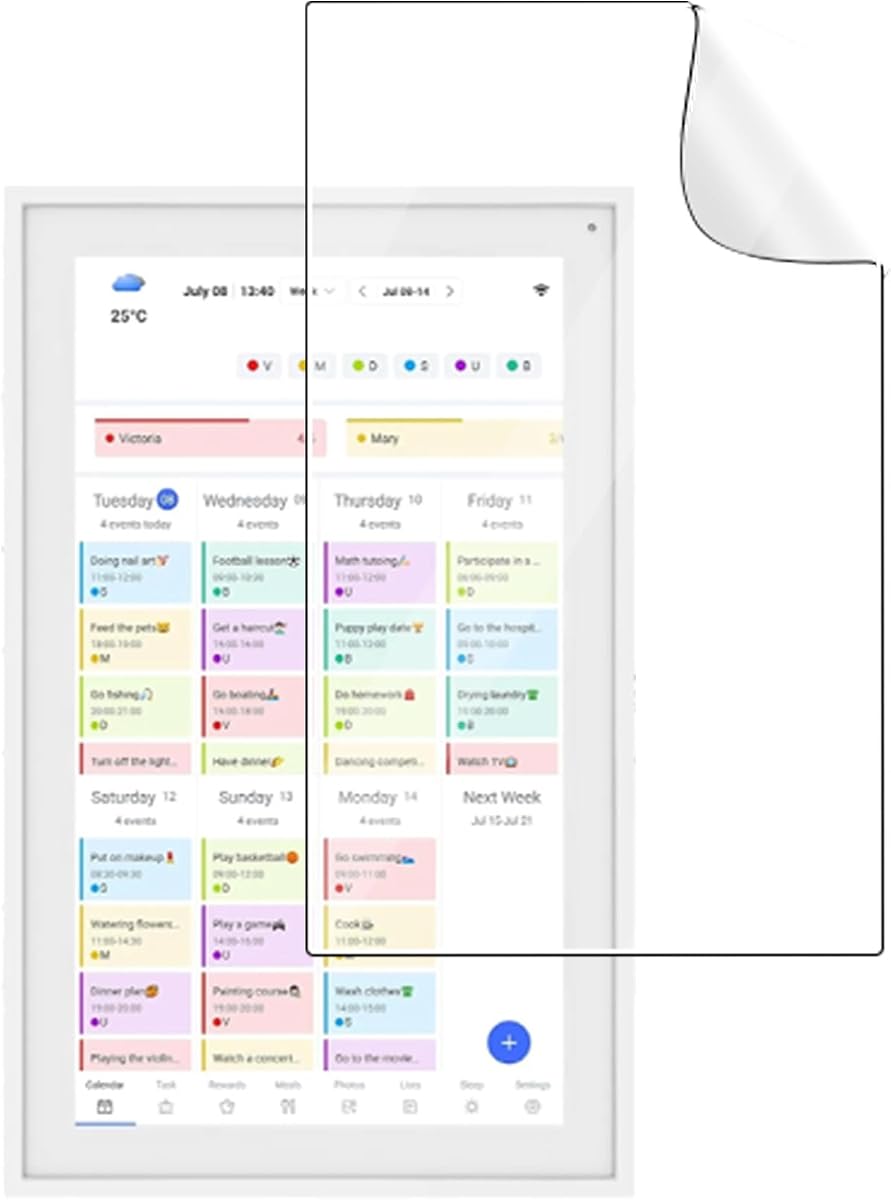

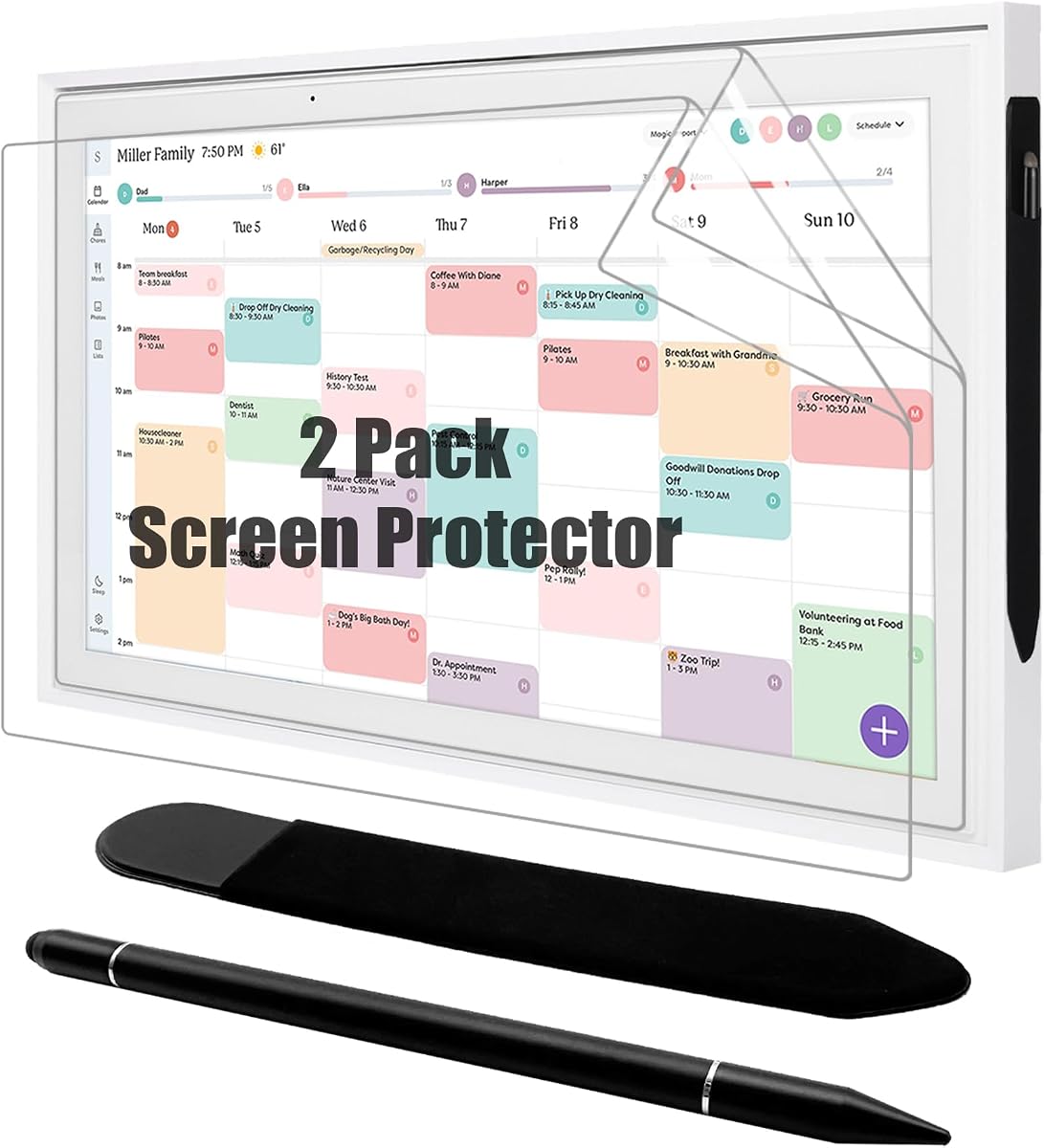


This accessory kit stands out as a top contender for users seeking comprehensive protection and functionality. With a rating of 4.2 stars it offers a well-rounded solution for protecting your 15 inch digital calendar screen. The inclusion of a stylus adds significant value beyond basic protection.
We may earn a commission when you buy through this link, at no additional cost to you.
The Paperfeel screen protectors feature an anti-glare layer that reduces reflections from both natural and artificial light. This ensures easy reading even in bright sunlight while protecting eyes from strain. The hydrophobic and oleophobic coatings keep the screen clean by repelling sweat and fingerprints effectively.
While the stylus is a fantastic addition it requires careful use to avoid damage. The transparent disc tip offers precision while the rubber tip aids in smooth scrolling. Unscrewing the tip reveals a ballpoint pen which is convenient but adds a layer of complexity to the design.
This kit is ideal for families who want both screen protection and input versatility. The complete accessory set ensures your calendar remains pristine and functional. For those who need a reliable all-in-one solution this product is a strong recommendation for 2026.
The 3-in-1 stylus allows for precise edits and smooth scrolling without compromising the touch screen experience.
Anti-glare layers minimize harsh reflections making it easier to view schedules during the day and night.
We may earn a commission when you buy through this link, at no additional cost to you.
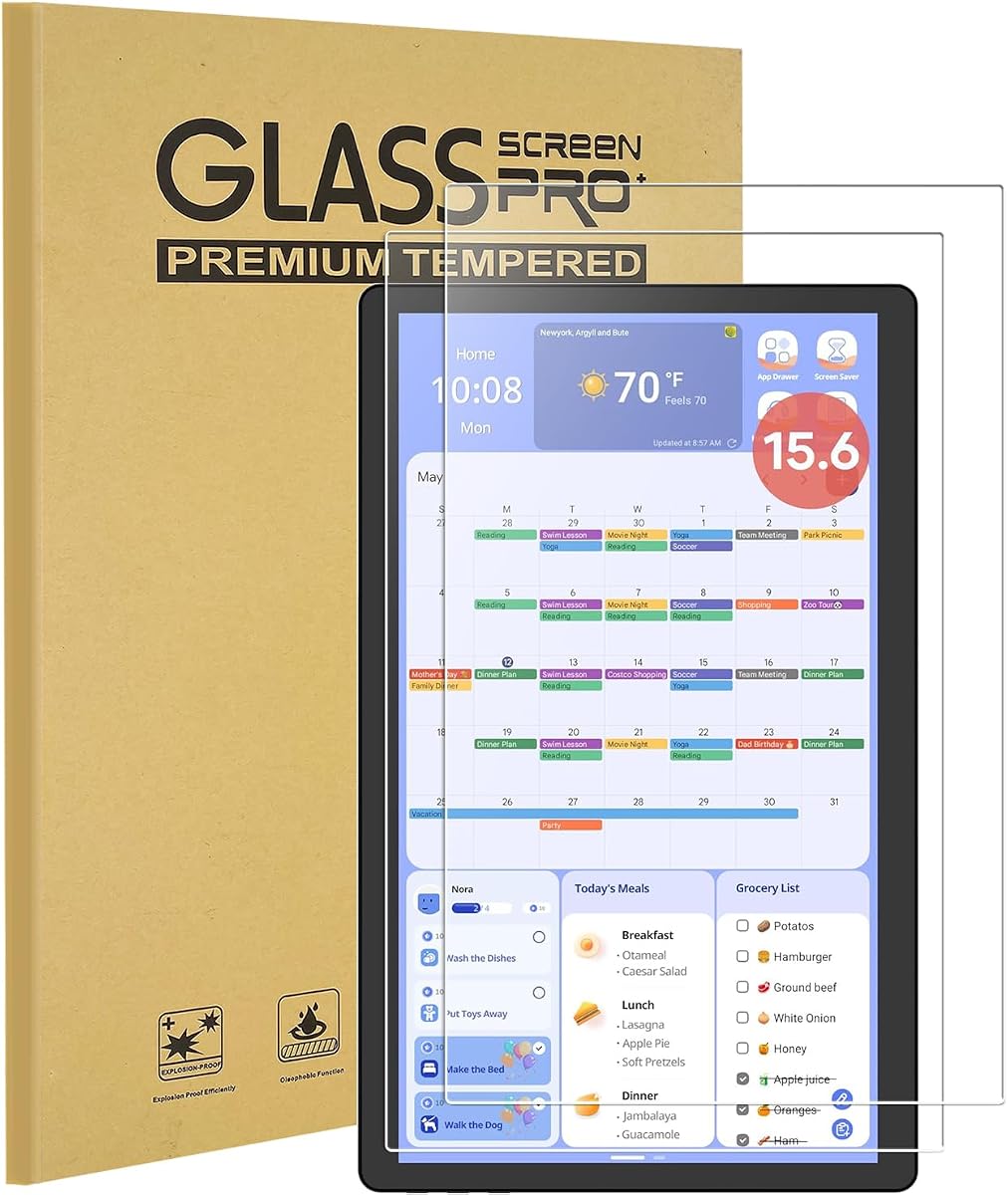
This tempered glass protector is designed specifically for Skylight Calendar 15 inch users who prioritize durability. The 9H hardness rating provides strong defense against external scratches and impacts. Its high transparency ensures the original screen brightness remains unaffected for a natural viewing experience.
We may earn a commission when you buy through this link, at no additional cost to you.
The surface oleophobic coating prevents smudges and fingerprints keeping your screen clean and clear at all times. The 0.3 mm thick premium tempered glass maintains original touch response sensitivity even with a S Pen. Venting adhesive helps remove dust and prevents bubbles during installation.
Installation requires careful alignment to ensure the venting adhesive works correctly. While the glass is durable it may be slightly heavier than film alternatives. However the protection it offers against daily wear and tear is worth the trade-off for many users.
If you own a Skylight Calendar 15 inch and want robust protection this option is highly recommended. It balances clarity and toughness effectively. Ensure your device model matches exactly before purchasing to avoid fit issues.
The 9H hardness rating ensures the screen surface can withstand accidental drops and daily scratches.
High transparency technology maintains the original display effect without reducing brightness or color accuracy.
We may earn a commission when you buy through this link, at no additional cost to you.
This 2 Pack screen protector holds an impressive 5.0 rating making it a standout choice for budget conscious buyers. It is compatible with 15.6 inch Skylight Digital Calendars and Picture Frames. The high-definition layer maintains the original display clarity for a comfortable viewing experience.
We may earn a commission when you buy through this link, at no additional cost to you.
The 5H hardness film features an ultra-thin 0.15mm thickness that adds no bulk. It includes an oil repellent layer with anti-fingerprint and waterproof functions. The package includes two screen protectors plus cleaning tools and an installation guide to make the process easy.
While the film is softer than tempered glass it effectively protects against dust and scratches. Users should pay attention to model size before purchasing to ensure a perfect fit. The ultra-thin design ensures high touch sensitivity remains intact.
For families looking for reliable protection without high cost this product offers great value. The inclusion of a second protector means you have a spare for future use. Follow the installation guide carefully to avoid errors.
Getting two protectors in one package provides long-term value and a backup option if one gets damaged.
At 0.15mm thick the film is nearly invisible and does not hinder touch responsiveness.
We may earn a commission when you buy through this link, at no additional cost to you.
This screen protector is designed specifically for the Smart Digital Smart Digital Calendar 10.1inch model. It helps protect the display from scratches and scuffs while maintaining screen clarity. The high-definition quality ensures precise laser cut edges for a perfect fit.
We may earn a commission when you buy through this link, at no additional cost to you.
Bubble-free adhesive allows the screen protector to attach smoothly without trapped air. The explosion-proof feature adds an extra layer of security against impacts. Touch sensitivity remains high due to the precise cut and high transparency design.
Since it fits only the 10.1 inch model users must verify compatibility before buying. The product includes friendly customer service support in case of issues. While there is no rating visible the specific design suggests reliable performance.
If you own a 10.1 inch Smart Digital Calendar this protector offers tailored protection. The emphasis on clarity and ease of installation makes it a strong choice. Always compare your device model to avoid purchasing the wrong size.
Precision laser cuts ensure the protector aligns perfectly with your device edges and cutouts.
Explosion proof technology helps protect your screen from cracking under stress or impact.
We may earn a commission when you buy through this link, at no additional cost to you.
This 2-Pack screen protector is designed for the 15 inch family digital calendar frame. It features a matte anti-reflective coating that reduces glare by 90%. This makes it ideal for use outdoors or in bright indoor environments where reflections are a problem.
We may earn a commission when you buy through this link, at no additional cost to you.
The ultra-thin 0.3mm film maintains 100% touch sensitivity and preserves original screen brightness. The smooth matte finish resists fingerprints while keeping the display clear. Installation is supported by a complete kit including a microfiber cloth and squeegee.
Some users might find matte screens slightly less sharp than glossy ones. However the comfort provided by reduced glare often outweighs this trade-off. The two-pack value ensures you have a replacement ready if needed.
For families using their calendar in sunny rooms this option offers excellent eye protection. The precision-engineered edges ensure seamless touchscreen functionality. Check your model size before purchasing to guarantee compatibility.
Anti-reflective coating minimizes sunlight reflections allowing comfortable viewing in bright spaces.
Accessories like squeegee and cloth make installation smoother and more reliable.
We may earn a commission when you buy through this link, at no additional cost to you.
This kit offers 2 Pack screen protectors plus a 3 in 1 stylus pen for 15 inch calendars. The PET screen protectors provide edge-to-edge coverage without hindering touch sensitivity. Anti-reflective coating reduces glare by 90% to protect eyes during prolonged use.
We may earn a commission when you buy through this link, at no additional cost to you.
The stylus features a transparent disc tip for precise edits and a soft rubber tip for scrolling. Unscrewing the tip reveals a hidden ballpoint pen for notes. A magnetic case is included for secure storage to keep everything organized.
Hydrophobic coatings keep the screen free from sweat and oils. While PET is durable it may not match glass hardness. However the comprehensive package including stylus adds significant utility for daily interactions.
This option suits users who need a stylus but do not want to buy separately. The dedicated customer support ensures help is available if needed. Verify your calendar size matches before buying.
Combining a protector with a multi-function stylus saves money and simplifies your accessory collection.
Reducing glare by 90% helps prevent eye strain in bright kitchens or sunlit rooms.
We may earn a commission when you buy through this link, at no additional cost to you.
This screen protector is compatible with the Cozyla Digital Calendar+ 2 model with a 15.6 inch display. The tempered glass offers ultra clarity for optimal viewing. A 9H hardness rating ensures effective protection from scratches and impacts.
We may earn a commission when you buy through this link, at no additional cost to you.
The oleophobic coating prevents unsightly fingerprint smudges keeping the display clean. Since it is a two-pack you get value and a replacement option. Double-check your device model before buying to avoid incorrect purchases.
While no rating is listed the product specs promise high durability. The HD clear glass maintains natural brightness. Installation is designed for ease though alignment is critical for glass products.
For Cozyla Calendar+ 2 users this is a tailored protection solution. The focus on hardness and clarity makes it a solid choice. Verify compatibility before purchasing to ensure a good fit.
Designed for Cozyla Calendar+ 2 to ensure precise alignment and full edge coverage.
The ultra-tough surface ensures long-lasting protection against daily wear and tear.
We may earn a commission when you buy through this link, at no additional cost to you.
This 27 inch anti blue light anti glare screen protector is built for larger wall touch screens. It blocks blue light and glare to relieve eye strain from prolonged use. The high blue light blocking rate helps improve sleep quality when used before bed.
We may earn a commission when you buy through this link, at no additional cost to you.
The oleophobic layer provides water and oil resistance keeping your device free from fingerprints. It has 5H hardness for scratch resistance and screen explosion resistance. Installation is supported by included tools and guides to ensure perfect results.
At a 3.2 rating it may have mixed user experiences. However the eye protection features are valuable for large screens. The UV blocker adds an extra layer of defense against harmful rays.
For owners of 27 inch digital calendars this option offers specialized eye protection. The true tactile sensitivity ensures accuracy on larger screens. Always follow the installation guide to avoid residue issues.
Blocking blue light helps prevent eye strain and supports better sleep patterns.
UV blocker shield protects your screen and eyes from harmful ultraviolet exposure.
We may earn a commission when you buy through this link, at no additional cost to you.
This BoxWave Screen Protector is designed for the Dragon Touch Digital Calendar with a 15.6 inch screen. It disperses light so glare does not reflect back into your eyes. The matte surface offers a futuristic high-end look and feel to your device screen.
We may earn a commission when you buy through this link, at no additional cost to you.
The special glueless adhesive never leaves sticky residue that may damage your screen. All functionality is fully accessible due to precision cutting. However the low 1.0 rating suggests some users have faced fit or quality issues.
It reduces 90% UV rays protecting your eyes from harsh light. The package includes two clear anti-glare protectors. If you buy this product double-check your model compatibility carefully.
The design is promising for those who hate fingerprints. But check reviews for your specific device model to ensure a good fit. The two-pack value is a plus if the fit is correct.
Glueless adhesive ensures clean removal without leaving any sticky residue behind.
Smooth matte surface gives a comfortable paper-like texture for touch interactions.
We may earn a commission when you buy through this link, at no additional cost to you.
This HD Crystal screen protector is custom designed for the Dragon Touch Digital Calendar 10.1 in model. It provides up to 99% visual clarity for a vibrant viewing experience. The smooth glass-like surface enhances the feel of the device.
We may earn a commission when you buy through this link, at no additional cost to you.
The glueless adhesive adheres smoothly and removes cleanly without residue. The package includes two protectors plus an applicator card and cloth. Initial air bubbles may clear with regular use over time.
Made from high-quality thermoplastics it protects against scratches and minor impacts. The precision-cut design ensures all ports remain accessible. A low 1.0 tack adhesive may take 48 hours to fully settle.
With a 5.0 rating this product shows high user satisfaction. It is ideal for those prioritizing clarity and ease of use. Always verify your device size before ordering to ensure a perfect match.
High transparency ensures your screen remains vibrant and sharp without any visual distortion.
Glueless adhesive allows residue-free removal if you need to replace the protector later.
We may earn a commission when you buy through this link, at no additional cost to you.
Choosing the right screen protector requires careful attention to device compatibility and material quality.
Always verify your calendar model size and brand before purchasing. Even small differences in dimensions can prevent proper fit.
Check the product description for exact model numbers to avoid buying the wrong size.
Tempered glass offers higher hardness and better scratch resistance than film. Film protectors are thinner and lighter but may not absorb impacts as well.
Select glass for durability and film for minimal bulk on smaller screens.
High transparency ensures your display colors remain vibrant and readable. Look for products promising HD clarity and minimal visual distortion.
Avoid protectors that make the screen look cloudy or dull.
Matte or anti-reflective coatings reduce glare from sunlight or indoor lighting. This is essential if you use your calendar in bright environments.
Anti-glare films may slightly reduce sharpness but protect eyes from strain.
A good protector must maintain original touch response. Thick layers may reduce sensitivity or cause lag.
Look for ultra-thin designs that support S Pen or multi-touch inputs.
Oleophobic coatings prevent fingerprints and oils from smudging the screen. This keeps your display cleaner between wipes.
Products with hydrophobic coatings also repel water and sweat effectively.
Most protectors come with cleaning tools like cloths and squeegees. These make installation easier and reduce bubbles.
Check if dust removal stickers are included for a clean surface.
If you use a stylus ensure the protector supports it. Some kits include a stylus for convenience.
Verify touch sensitivity and tip compatibility if you use active styluses.
Clean the screen thoroughly before application to remove dust. Use the included microfiber cloth and cleaning solution to wipe away oils.
Align the protector carefully and press from the center outward to push air bubbles away. Use the squeegee for a smooth finish.
Avoid using harsh chemicals on the protector. Clean with soft cloth and mild soap to maintain coatings.
Most modern protectors are designed to maintain original touch sensitivity. Ultra-thin films and tempered glass are engineered for high responsiveness. Ensure your product is labeled as touch sensitive for best results.
Check your device model number and screen size carefully. Compare these with the product description. If unsure consult the manufacturer support before buying.
Yes many protectors support stylus use. Some kits include a stylus designed for the protector surface. Verify compatibility for precision.
If you use your calendar in bright rooms anti-glare reduces eye strain. They may slightly reduce sharpness but improve comfort. Consider your environment.
Replace it if it becomes scratched or bubbles appear. Typically one protector lasts several months depending on use. Extra packs offer convenience.
Only specific anti-blue light models block harmful rays. Most standard protectors do not affect blue light. Look for explicit labels if eye protection is priority.
Our top picks include the Editor's Choice stylus kit and Best Budget 2 Pack. These options balance protection clarity and value effectively.
Prioritize device compatibility and material durability when making your decision. Anti-glare features add comfort for bright rooms.
Remember to check current availability and prices before purchasing. Your calendar deserves the best protection to stay pristine for years.