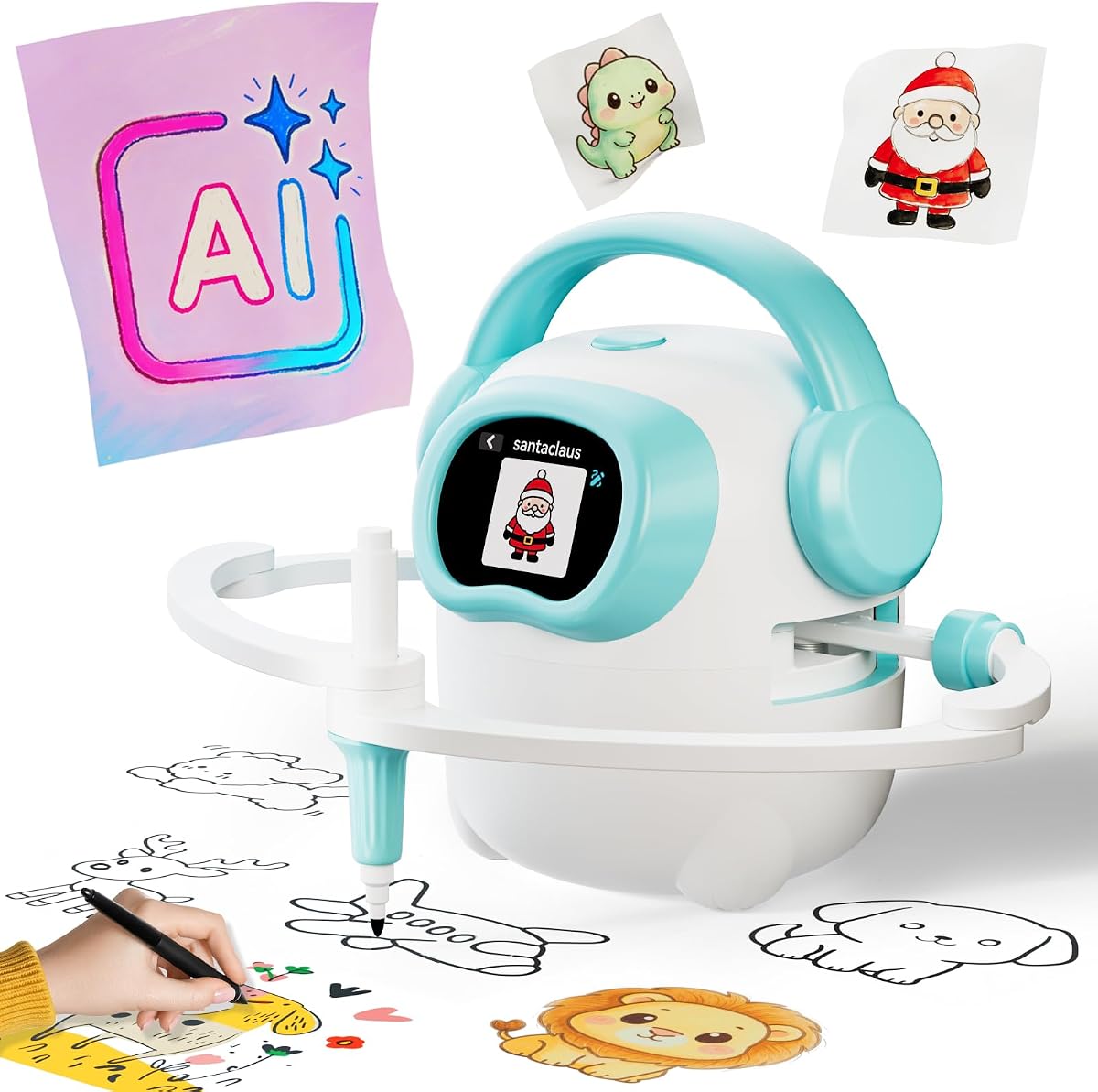
AI Drawing Robot for Kids
4.5Editor score
10000+ free AI images
Voice interactive prompts
Regular cloud library updates
This guide compares ten top drawing robots for kids, evaluating features like card counts, voice interaction, and educational value to help you choose the
Drawing robots for kids are innovative toys that blend art and technology. They guide children through step-by-step drawing processes using cards or voice commands. These tools help develop fine motor skills, creativity, and focus in a fun way.
We compared ten popular models based on card variety, ease of use, educational value, and build quality. Each product was evaluated for how well it engages children and supports learning goals. Our list includes options for different ages and budgets.
Each pick highlights key strengths and ideal use cases for parents and gift-givers. Prices and availability can change quickly, so always verify current details before purchasing. We aim to provide clear, honest insights to simplify your decision.
4.5Editor score

4.8Editor score
4.5Editor score
The table below provides a side-by-side comparison of all ten models. It highlights key specifications like card counts, features, and target age groups to help you quickly identify the best fit.
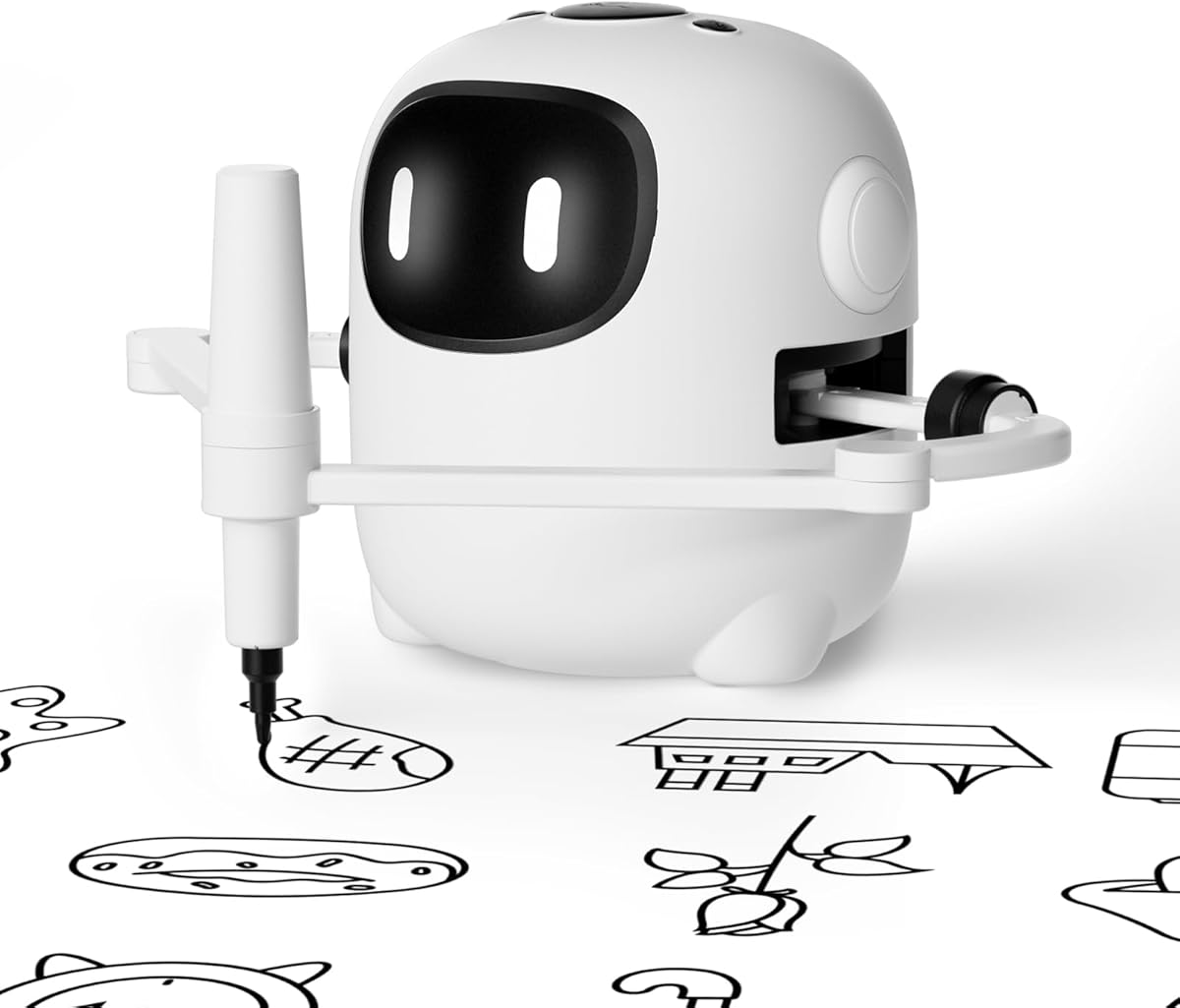


The RIVGOT Drawing Robot earns its top spot by balancing education and entertainment perfectly. With a 4.6 rating, parents appreciate its Montessori-inspired approach to fostering creativity. The voice interactive feature adds a modern touch to traditional drawing activities.
We may earn a commission when you buy through this link, at no additional cost to you.
Its core strength lies in the 150 included cards and comprehensive kit. Children follow step-by-step instructions while the robot provides engaging music. This setup helps develop fine motor skills and hand-eye coordination naturally through playful repetition and artistic expression.
While it requires a 5V power adapter, the consistent performance outweighs the cord constraint. The built-in music can be a bit loud for quiet times, though it keeps kids focused. These minor trade-offs are acceptable for the high engagement levels it delivers.
Ideal for young artists needing structured fun, this robot is a safe bet for birthdays or holidays. It encourages independent play while supporting cognitive growth. We recommend it as a reliable choice for families seeking educational value.
Incorporates Montessori principles to foster independent thinking and problem-solving skills through hands-on art activities.
Simple card insertion and button press allow children to start drawing immediately without parental assistance or complex setup.
We may earn a commission when you buy through this link, at no additional cost to you.
The AI Drawing Robot stands out as a premium choice for tech-savvy families. It introduces children to AI concepts through voice prompts and a massive library of 10000 plus images. This model is perfect for curious kids who want endless variety.
We may earn a commission when you buy through this link, at no additional cost to you.
Its key advantage is the cloud-connected nature. Parents can update the library regularly, ensuring fresh content without buying new cards. The parental mode protects privacy by disabling network access when needed, giving peace of mind during play.
Dependency on WiFi can be a limitation for offline play, and the price is higher than card-based models. However, the innovation in prompt learning and image generation justifies the cost. It is a future-ready toy that grows with the child.
We suggest this for families interested in STEM and tech education. It bridges the gap between art and technology effectively. While not strictly necessary, the AI features make it a unique standout in the category.
Teaches basic AI prompt engineering concepts through voice commands, preparing kids for future digital interactions safely.
Offers parental mode to disable internet access and microphone, ensuring privacy and secure offline usage when desired.
We may earn a commission when you buy through this link, at no additional cost to you.
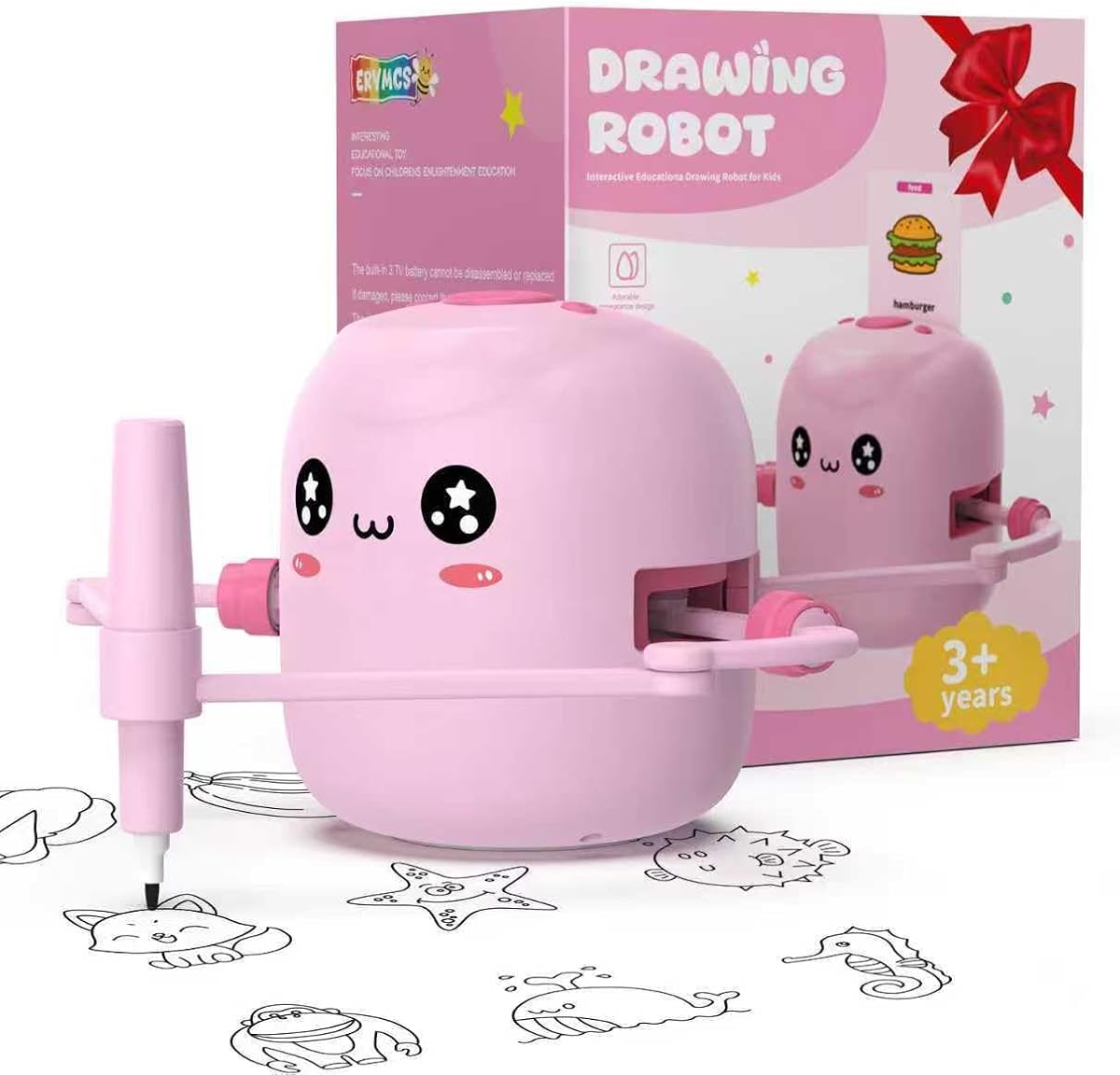
The ERYMCS Drawing Robot focuses on simplicity and accessibility. It avoids apps and complex setups, making it easy for young children to operate independently. With a 4.5 rating, it is praised for its child-friendly design and educational focus.
We may earn a commission when you buy through this link, at no additional cost to you.
Its main strength is the user-friendly operation. Children just insert a card and press a button to start. The high-quality materials ensure safety during play. This model supports basic skills like hand-eye coordination without overwhelming tech features.
While it lacks advanced features like AI or touchscreens, it delivers solid performance for the price. The standard marker count is sufficient but not exceptional. These trade-offs are acceptable for those prioritizing simplicity over tech specs.
We recommend this for parents seeking a straightforward art toy. It is reliable and safe for ages three up. If you want minimal setup and maximum playtime, this model is a practical and effective choice.
Uses child-safe materials and rounded designs to prevent injuries during active creative play sessions.
Cultivates literacy and color perception skills through word recognition and structured drawing activities.
We may earn a commission when you buy through this link, at no additional cost to you.
The TREEFIA Drawing Robot targets an older demographic, appealing to kids aged six to twelve. It features built-in music to keep engagement high. While it has fewer cards than competitors, it focuses on quality themes for older children.
We may earn a commission when you buy through this link, at no additional cost to you.
Its simplicity is a key strength for this age group. Children can operate it without parental help or app setup. The 16 color pens allow for detailed coloring once the robot completes the outline. It is a solid creative tool.
The smaller card count of 100 means less variety over time. However, the lower price point makes it accessible. These trade-offs are acceptable for families looking for a budget-friendly option for older kids.
We recommend this for tweens who enjoy drawing but might find younger toys too simple. It supports independent learning and creative expression effectively. It is a good choice for classrooms or older siblings.
Designed with features that match the interests and skill levels of children aged six and above.
Encourages imagination through themes that challenge older kids to explore more complex drawing patterns.
We may earn a commission when you buy through this link, at no additional cost to you.
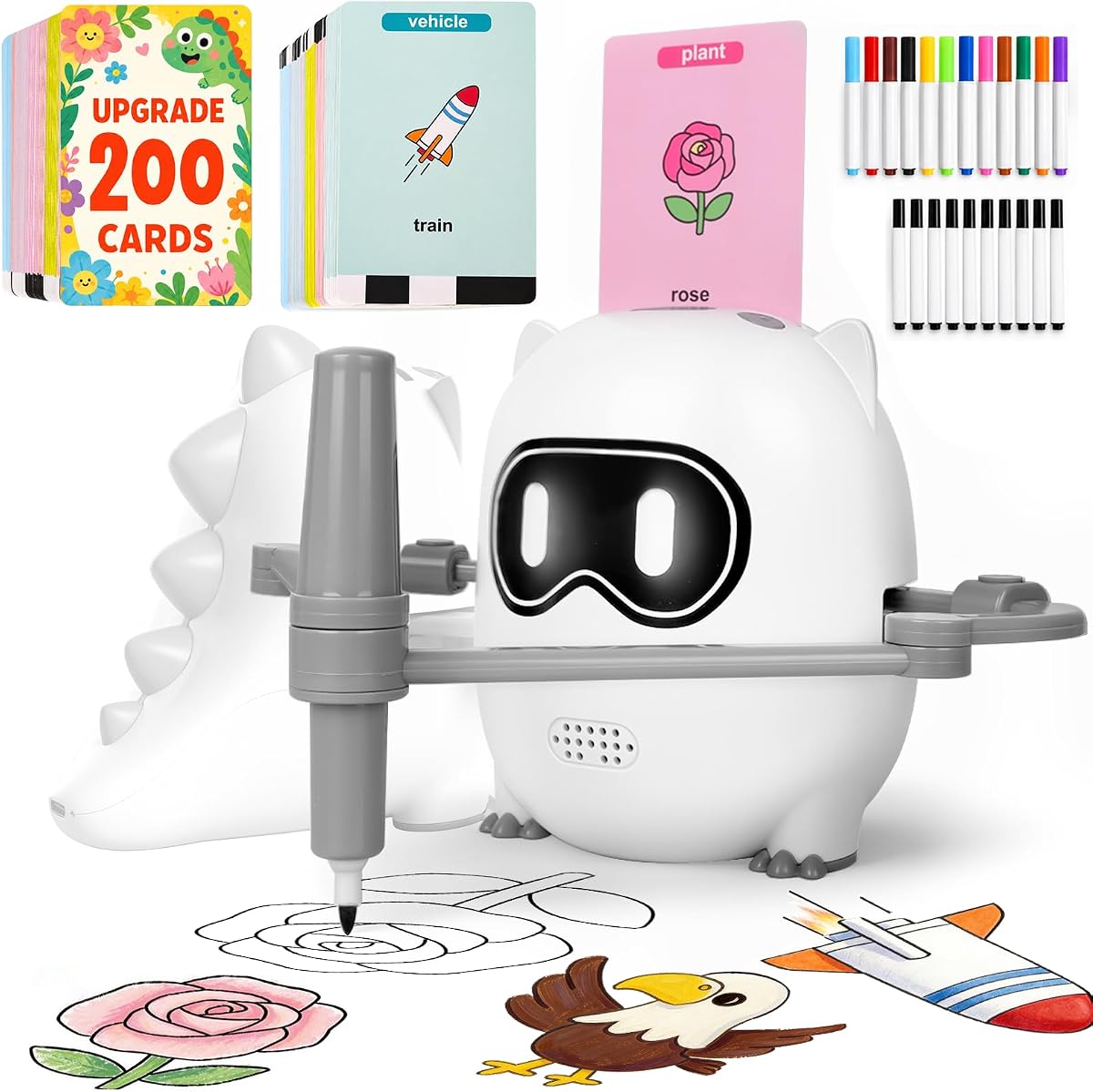
The Kids Drawing Robot earns a high rating due to its extensive 200 card library. It offers plenty of themes to explore, keeping children engaged longer. Its simple interface ensures they can enjoy the fun immediately without frustration.
We may earn a commission when you buy through this link, at no additional cost to you.
Word learning is a unique feature here, connecting pictures to vocabulary during play. The cheerful music adds to the experience, though volume control varies. These elements support both artistic and language development effectively.
The robot draws outlines simply, letting kids fill them in. This design promotes independent creativity. Some may find the music a bit constant, but it can be turned off. These trade-offs are minor for the value provided.
We recommend this for families wanting maximum content variety. It is an ideal gift for holidays and birthdays. With its solid performance and learning elements, it stands out as a reliable creative companion.
Reads word names on cards to help kids associate images with language during drawing activities.
Easy card insertion allows children to start drawing without adult help, fostering autonomy and confidence.
We may earn a commission when you buy through this link, at no additional cost to you.
The Uneviesyka Drawing Robot is a top contender with an impressive 4.8 rating. It combines Montessori principles with engaging features to inspire creativity. Its comprehensive kit ensures everything is ready to use right out of the box.
We may earn a commission when you buy through this link, at no additional cost to you.
The 200 cards provide a wide range of themes for exploration. Built-in music keeps kids engaged during the drawing process. The durable ABS plastic construction ensures it withstands active play. These strengths make it a highly recommended choice.
While it lacks high-tech connectivity, its simplicity is a strength for focused learning. It requires a power source, which limits portability. These trade-offs are acceptable for the solid educational value and build quality.
We recommend this for parents seeking a reliable creative toy. It supports fine motor skills and independent play effectively. With its high rating and complete set, it is a top value option for families.
Encourages hands-on exploration and independent thinking aligned with proven educational principles.
Includes all necessary tools like markers and boards, eliminating the need for additional purchases.
We may earn a commission when you buy through this link, at no additional cost to you.
The Drawing Robot Toy offers exceptional value with a low price point. It includes 200 cards and 22 markers, making it a great starter set. The voice interactive feature adds a layer of engagement for young learners.
We may earn a commission when you buy through this link, at no additional cost to you.
Its screen-free design is a major plus for reducing screen time. Parents appreciate the simple operation and Montessori-inspired approach. The included warranty adds confidence in the purchase. These factors make it highly competitive.
The battery life is decent but not long for extended sessions. The basic design lacks advanced tech. However, for the price, these limitations are acceptable. It delivers core functions effectively for creative play.
We recommend this for budget-conscious families needing a creative toy. It provides all essentials for artistic development. With its large marker set and card count, it is a top budget choice.
Offers engaging play without tablets or phones, promoting focus and creativity away from digital screens.
Provides 22 markers including colors and blacks for detailed coloring and outlining tasks.
We may earn a commission when you buy through this link, at no additional cost to you.
The GROWNSY Scan Robot focuses on safe and interactive design. Its responsive lighting adjusts to the environment, protecting children's eyes. With a 4.2 rating, it is valued for its educational value and safe build quality.
We may earn a commission when you buy through this link, at no additional cost to you.
The scanning feature adds a unique interactive element to the drawing process. The 150 cards cover various themes, ensuring variety. The Montessori approach encourages independent thinking and creativity. These features support balanced learning.
The sensor technology is helpful but may require specific lighting conditions. Some users find it basic compared to AI models. However, its safety and educational focus make it a reliable choice for young kids.
We recommend this for safety-conscious parents. It provides engaging art play without complex tech. With its responsive design, it is a solid option for creative growth.
Adjusts lighting based on the environment to ensure safe play without eye strain.
Encourages self-directed art activities that build confidence and problem-solving skills naturally.
We may earn a commission when you buy through this link, at no additional cost to you.
The Shovira Drawing Robot emphasizes STEM learning through structured art activities. It simplifies complex drawings into steps kids can follow. This approach builds confidence and artistic skills in a practical way.
We may earn a commission when you buy through this link, at no additional cost to you.
Its step-by-step guides make it easy for children to learn independently. The 150 cards cover diverse topics, keeping sessions fresh. The safe ABS plastic ensures durability. These features support balanced educational development.
While it lacks advanced connectivity, the focus on foundational skills is strong. Some may find it basic compared to tech-heavy models. These trade-offs are acceptable for its specific educational goals.
We recommend this for families prioritizing STEM learning. It is reliable and educational. With its focus on foundational skills, it is a solid choice for creative growth.
Combines art with logic to teach problem-solving through structured drawing challenges.
Breaks tasks into simple steps to ensure success and foster self-esteem in young artists.
We may earn a commission when you buy through this link, at no additional cost to you.
This listing currently has limited information available. We recommend checking the product page for updated details. It may be a new or discontinued model with sparse public data.
We may earn a commission when you buy through this link, at no additional cost to you.
Its main strength is potential availability on Amazon. Without specs, it is hard to evaluate value. However, it may be worth checking if other models are out of stock.
Lack of details is a significant trade-off. It is not recommended for buyers needing specific features. These trade-offs are unavoidable due to missing data.
We recommend verifying before purchase. For now, consider models with full specs. This ensures a better shopping experience for your child.
Verify product details on Amazon before purchasing to ensure specifications match expectations.
Consider other models with detailed specs for a more informed and reliable choice.
We may earn a commission when you buy through this link, at no additional cost to you.
Selecting the right drawing robot depends on age, budget, and educational goals. Here are key factors to consider before buying.
Look for models with 150 to 200 cards to ensure variety. More cards mean longer playtime without repetition.
Choose kits with enough cards to sustain interest over months.
Pick robots that require minimal setup. No app setups allow for immediate play.
Ensure button presses and card insertion are simple for your child's age.
Look for Montessori or STEM features that promote learning. Word recognition and music can support development.
Focus on models that build fine motor skills and creativity.
Ensure the robot is made from child-safe ABS plastic. Rounded edges prevent scratches during play.
Check for safety certifications to guarantee non-toxic materials.
Choose between simple card-based or advanced AI options. Basic models suit younger kids better.
Opt for WiFi or AI only if you want tech interaction.
Verify the kit includes markers and a board. More pens allow for detailed coloring.
Ensure the set is complete to avoid extra purchases.
Check if the robot is rechargeable or battery-operated. USB-C is convenient for charging.
Consider battery life for long play sessions.
Balance cost with included features. Higher price models may offer more cards or tech.
Budget models can still provide excellent value with core features.
Insert a drawing card into the slot and press the start button. Follow the robot's steps to trace the lines. Let your child fill in the colors.
Keep the robot clean by wiping it with a soft cloth. Store markers in a dry place to prevent drying. Keep cards flat to avoid damage.
Charge the robot using the included USB cable when the battery is low. If using a power adapter, ensure it is 5V/2A. Avoid using water near electronic parts.
Yes, most models use safe ABS plastic with rounded edges. They are tested for durability and non-toxic materials. Always check the age rating to ensure suitability.
Most models do not require an app. Card-based ones work with button presses. Some advanced models use apps for settings but not for drawing.
These robots are designed for tracing on provided boards. For paper drawing, use regular pencils or pens. The robot guides the lines but does not draw on paper directly.
Use a dry cloth to wipe the exterior. Avoid wet cleaning near the card slot. Keep the area dust-free to ensure smooth operation.
Most require power via battery or USB. Without it, the drawing motor will not work. Ensure you charge or insert fresh batteries as needed.
Most models are designed for ages 3 to 8. Some are suitable for older kids seeking simpler art. Check the age rating on the packaging for exact matches.
We reviewed ten options ranging from simple card models to AI-driven toys. The RIVGOT and Uneviesyka models are top contenders for overall value and fun.
Prioritize card count and safety when buying. Models with 200 cards offer more variety. Choose those with clear age ratings.
Always check current prices before purchasing as deals change often. Verify that the model fits your budget and needs for best results.