
OBDLink EX FORScan OBD Adapter
4.7Editor score
Dealership-level diagnostics support
Electronic CAN bus switching
Maximum throughput speed
This guide compares the top Forscan USB OBD2 adapters for Ford and Mazda vehicles, evaluating stability, speed, and feature support for professional diagnostics
Finding the right Forscan USB OBD2 adapter is crucial for vehicle diagnostics. A reliable adapter ensures stable connections and fast data transfer rates. This helps you access hidden features and troubleshoot issues efficiently.
We evaluated ten top-rated adapters based on speed, stability, and software compatibility. Each product was reviewed for its ability to handle complex diagnostics. Our list covers options for various budgets and technical needs.
Each pick highlights key specifications and performance traits to guide your choice. Prices and availability may change over time. Check current listings before purchasing to ensure you get the best deal available.
4.7Editor score

4.7Editor score

4.4Editor score
The following table provides a side-by-side comparison of all ten adapters. It highlights key specifications to help you compare features like compatibility, speed, and design.




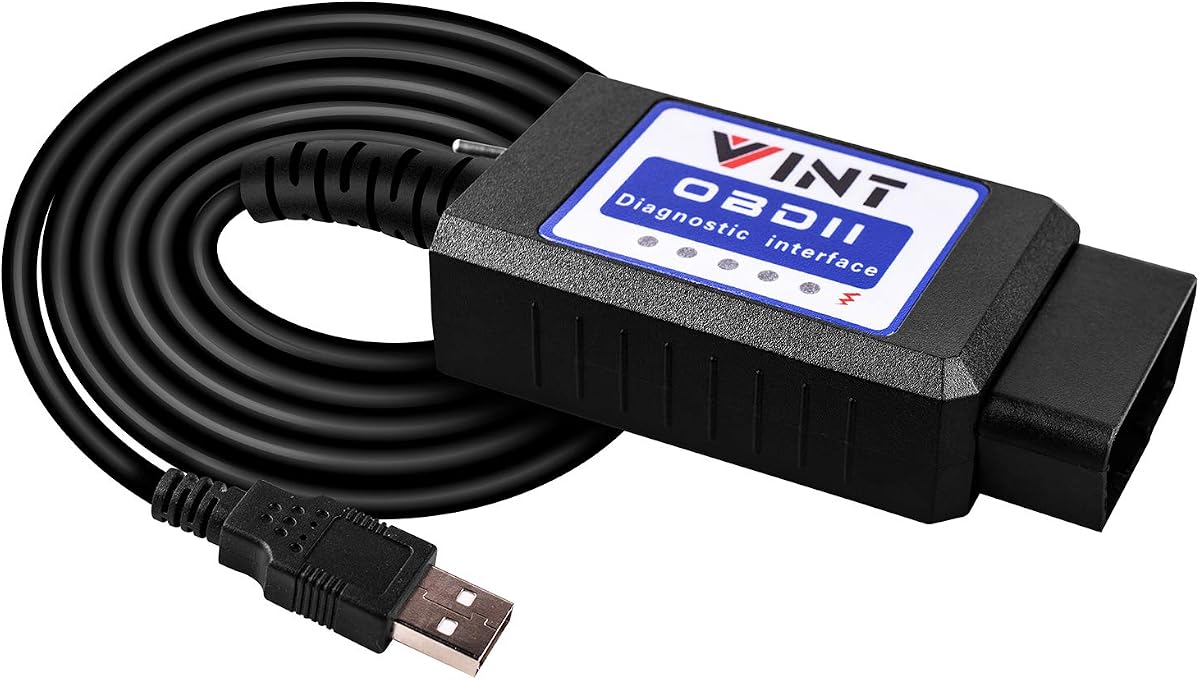
The Vgate vLinker FS OBD2 USB Adapter stands out as a top choice for Ford and Mazda owners. It boasts a high rating for reliability and stability during long diagnostic sessions. Its optimized performance for FORScan software makes it a favorite among DIY enthusiasts.
We may earn a commission when you buy through this link, at no additional cost to you.
This adapter delivers high-speed data transfer up to 3 Mbps. It supports both HS and MS CAN buses automatically. This ensures seamless access to all vehicle modules without manual switching. It also supports extended programming sessions without crashing.
While it is highly efficient, it requires separate software installation. Users must install FORScan or compatible tools themselves. Additionally, it is designed for use with Windows systems which might limit flexibility for some users.
Ideal for Ford and Mazda owners needing reliable diagnostics and programming. It is perfect for those who want to access advanced features safely. Its stability makes it a strong recommendation for serious users.
This adapter is specifically optimized for FORScan software. It ensures reliable performance during extended diagnostics and programming tasks without lag.
It automatically identifies and connects to supported CAN buses. This eliminates the need for manual switching during complex diagnostic procedures.
We may earn a commission when you buy through this link, at no additional cost to you.
The OBDLink EX is a premium option recommended directly by the FORScan team. It offers dealership-level diagnostics for Ford vehicles. This makes it ideal for users who need deep access to vehicle modules and features.
We may earn a commission when you buy through this link, at no additional cost to you.
It features electronic switching that allows simultaneous CAN bus access. This is much faster than manual toggle switches found in other adapters. The connection is described as rock-solid avoiding data corruption issues.
The main trade-off is the higher price compared to budget options. However, the advanced features justify the cost for professionals. It still requires a Windows environment to run FORScan effectively.
Best for professionals or advanced users needing top-tier diagnostics. It is worth the investment for those who prioritize speed and stability. It provides the most complete Ford diagnostic experience available.
This adapter supports all Ford protocols and advanced FORScan features. It enables access to modules and functions typically reserved for dealers.
Unlike toggle switch adapters this one allows simultaneous access to all buses. This significantly speeds up complex diagnostic tasks.
We may earn a commission when you buy through this link, at no additional cost to you.
This ELM327 USB Adapter is an affordable option for basic diagnostics. It comes with manual toggle switches for MS and HS CAN buses. Despite its budget price it supports many hidden features for Ford vehicles.
We may earn a commission when you buy through this link, at no additional cost to you.
It supports a wide range of OBD2 protocols. This ensures compatibility with most Ford Lincoln and Mazda models from 1996 onwards. It works well with popular tools like ELMconfig and FoCCCus.
Manual switching can be less convenient than automatic options. Also drivers must be installed manually before first use. These minor inconveniences are acceptable given the low cost.
Great for budget-conscious users who still want deep vehicle access. It offers excellent value for money. Perfect for those who do not mind setting up drivers and toggling switches.
This adapter provides access to professional-grade features at a low cost. It is perfect for DIYers who want to save on repair bills.
It covers all models from 1996 onwards for Ford and related brands. This includes popular trucks like the F150 and Mustangs.
We may earn a commission when you buy through this link, at no additional cost to you.
The OHP FORScan ELM327 is designed specifically for Ford vehicles. It provides efficient diagnostics and clear interpretation of trouble codes. This helps users understand issues without needing a mechanic.
We may earn a commission when you buy through this link, at no additional cost to you.
It works with a wide range of Ford models and includes Lincoln and Mercury. The connection speed is up to 500 kbit/s which is standard for many protocols. It supports FORScan with proper setup.
Its focus is strictly on Ford which may limit versatility. It also works only on Windows systems which restricts platform flexibility. For Ford owners this is a reliable choice though.
Recommended for Ford owners who want a straightforward tool. It simplifies troubleshooting and maintenance. Good for those focused solely on Ford ecosystem vehicles.
This tool is tailored for Ford and related brands. It ensures optimal compatibility with their specific protocols.
It helps users read and interpret fault codes accurately. This empowers owners to troubleshoot issues confidently.
We may earn a commission when you buy through this link, at no additional cost to you.
This VGATE vLinker FS USB adapter supports proprietary Ford CAN buses. It offers advanced programming support with 18V voltage output. This makes it suitable for complex configuration tasks.
We may earn a commission when you buy through this link, at no additional cost to you.
It includes battery saver technology that prevents drain when left plugged in. The automatic switching ensures access to all modules seamlessly. It is reliable for extended use without overheating.
It requires specific apps like FORScan which adds setup time. Users need to be familiar with these tools. However the performance benefits are worth the extra setup.
Ideal for users needing advanced configuration features. It protects your vehicle battery while offering deep access. Recommended for tech-savvy Ford and Mazda owners.
This adapter supports proprietary Ford CAN buses. This ensures compatibility with specific vehicle modules.
It includes technology to prevent battery drain when idle. This is crucial for keeping your car ready to drive.
We may earn a commission when you buy through this link, at no additional cost to you.
This adapter provides broad compatibility with Ford Mazda and Mercury vehicles. It allows access to special features like global windows and Bambi mode. It is a solid option for those wanting to customize their vehicle.
We may earn a commission when you buy through this link, at no additional cost to you.
It supports Windows versions from XP to 10 making it versatile. The manual MS and CAN switch is simple to use. It is a practical choice for many owners.
Performance is average compared to premium options. Switching manually adds a step to diagnostics. But it remains a cost-effective solution for basic tasks.
Suitable for owners wanting basic customization options. It is easy to use for most diagnostics. Good for budget-focused users needing specific feature mods.
It enables access to unique vehicle settings like global windows. This allows personalization of vehicle comfort.
Supports a wide range of Windows operating systems. This ensures it works on older laptops too.
We may earn a commission when you buy through this link, at no additional cost to you.
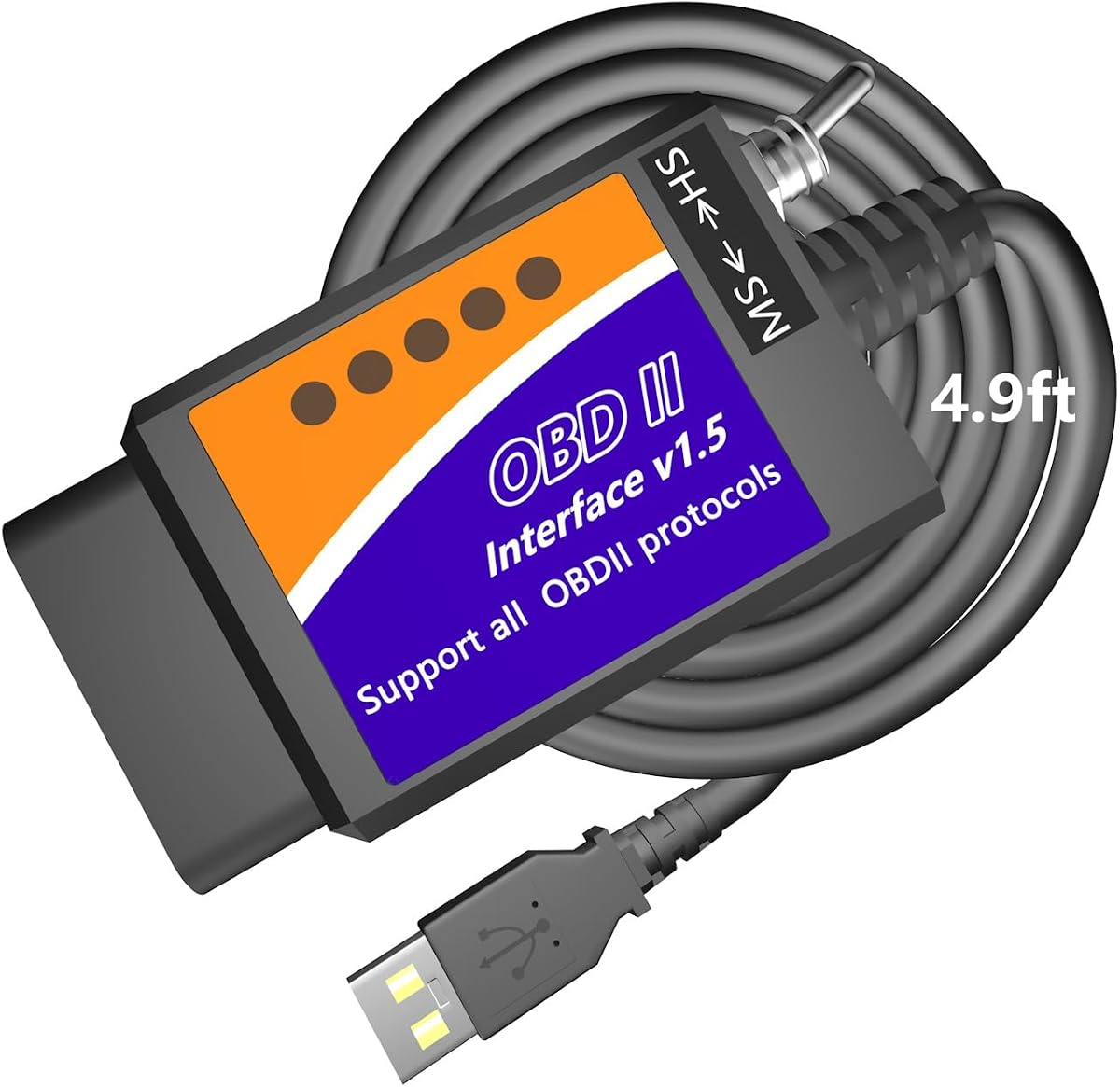
The MOCATEC adapter features an extra-long 4.9ft cable. This allows for comfortable positioning of your laptop during diagnostics. It helps avoid cramped positions which is great for driver seat work.
We may earn a commission when you buy through this link, at no additional cost to you.
It unlocks hidden features like custom tire calibration and sync menus. It also supports live data streaming for real-time monitoring. This provides a good balance of features and usability.
It only works on x86/x64 Windows systems excluding ARM devices. The manual toggle switch requires attention during use. These factors limit some usage scenarios.
Recommended for those valuing comfort during diagnostics. The long cable is a distinct advantage. Good for Ford owners wanting deep customization features.
The 4.9ft cable offers much more reach than standard adapters. This improves ergonomics during long sessions.
It enables customization of vehicle settings like Sync menus. This enhances the driving experience.
We may earn a commission when you buy through this link, at no additional cost to you.
This adapter features a reliable FTDI chip and V1.5 hardware. This ensures stable connections and avoids data corruption. It is a solid choice for those needing consistent performance.
We may earn a commission when you buy through this link, at no additional cost to you.
It supports multiple software tools including FORS-can and Elmconfig. It allows modification of settings like mirror folding and DRL. This makes it versatile for various needs.
Requires installation of drivers before first use. Manual switching means extra steps during complex scans. But these are minor inconveniences for the price.
Ideal for users needing reliable hardware at a low cost. It supports multiple software platforms. Good for those who value stability over convenience.
The FTDI chip provides a stable and reliable connection. This avoids data corruption during critical tasks.
It works with a variety of tools beyond FORScan. This gives users flexibility in their approach.
We may earn a commission when you buy through this link, at no additional cost to you.
The Vgate vLinker FS has the highest rating in this list. It is recommended by the FORS-can team and supports automatic switching. This ensures efficient access to all vehicle modules.
We may earn a commission when you buy through this link, at no additional cost to you.
It supports 18V programming voltage and 3 Mbps transmission speed. This allows for smoother graphics and real-time data metering. It is built for high efficiency tasks.
Users may need an extended license for some features. It also requires a Windows environment for optimal performance. These are standard constraints for high-end tools.
Best for users seeking top performance and efficiency. It is reliable and fast for complex tasks. Highly recommended for serious Ford and Mazda enthusiasts.
This adapter delivers fast transmission rates and high reliability. It ensures smooth real-time data streaming.
It supports 18V programming voltage for various tasks. This is essential for advanced modifications.
We may earn a commission when you buy through this link, at no additional cost to you.
This OBD2 Adapter is a favorite among Ford owners. It has been used for scanning and programming modules reliably. It is a classic choice that stands the test of time.
We may earn a commission when you buy through this link, at no additional cost to you.
It offers a constant speed of 500kbit/s for stable diagnostics. The toggle switch allows easy access to different CAN buses. It supports various software tools like ELMconfig.
Manual switching is required during operation. It is also designed for Windows systems which may limit other users. However it remains a popular and trusted tool.
Great for owners familiar with this classic adapter. It offers reliable diagnostics at a good price. Suitable for those who prioritize reliability over convenience.
This adapter is a trusted choice among Ford owners. It offers consistent performance for many models.
It operates at a constant 500kbit/s. This ensures stable connections during diagnostics.
We may earn a commission when you buy through this link, at no additional cost to you.
Choosing the right adapter requires understanding specific technical factors. This guide breaks down what to look for when making a decision.
Ensure the adapter supports the necessary protocols like MS-CAN and HS-CAN. Ford vehicles often require both. Some adapters offer automatic switching while others require manual toggling.
Choose one that matches your vehicle's needs. Automatic switching is generally more convenient.
Verify compatibility with FORScan or other tools you plan to use. Some adapters are optimized specifically for FORScan. Others support a wider range of generic tools.
Check if the adapter supports your specific OS. Most require Windows but some support specific versions.
Higher speeds like 3 Mbps allow for smoother real-time data streaming. This is crucial for live data and programming tasks. Slower speeds may lag during complex diagnostics.
Prioritize speed if you plan on advanced programming. For simple code reading speed matters less.
A longer cable like 4.9ft provides more comfort during use. Shorter cables restrict movement when reaching the OBD port. Consider how you position your laptop while working.
Opt for extended cables if you plan on long sessions. Comfort improves efficiency significantly.
Some adapters support higher voltages like 18V for programming. This is necessary for certain ECU flashing tasks. Standard adapters may not support these higher voltages.
Ensure the adapter supports required voltages for your needs. Check documentation for specific limits.
Some adapters require specific drivers like FTDI or CH340T. These must be installed before the adapter works. Automatic drivers simplify the setup process.
Check if drivers are provided or required separately. Simpler setups save time and frustration.
Confirm the adapter supports your specific vehicle model and year. Some adapters are specialized for Ford while others are broader. Check for known incompatibilities with newer models.
Verify your vehicle is listed in supported models. Compatibility is key to avoiding issues.
Robust hardware ensures stability and longevity. Look for adapters with solid connections and good shielding. Better build quality reduces data corruption risks.
Invest in quality to avoid connection drops. This protects your vehicle data during critical tasks.
Start by installing the required drivers on your computer. Connect the adapter to your vehicle's OBD port and then to your PC. Launch the diagnostic software and ensure the connection is recognized.
Follow the software prompts to read trouble codes or access features. Use live data streaming to monitor sensors. Be cautious when modifying settings as errors can impact vehicle function.
Disconnect the adapter carefully after finishing. Store it in a dry safe place. Avoid exposing the USB connector to moisture or extreme temperatures to extend its life.
Yes for some advanced programming features an extended license is required. This license can be purchased from FORScan directly. A free trial is often available for limited use.
Most adapters are designed for Windows only. macOS support is generally not available without running a Windows emulator. Check specific product details for any exceptions.
MS-CAN is used for slower modules like body control while HS-CAN is for faster modules like engine. Most Ford vehicles use both and an adapter must support both.
Some adapters like vLinker have battery saver technology. This allows leaving them plugged in without draining the battery. Standard adapters should be disconnected after use.
Not all adapters require manual switching. Many have automatic electronic switching. Check product specs to see if manual toggling is needed.
No they can read and clear trouble codes. Physical repairs must be done manually. After repair clearing the code turns off the check engine light.
Most adapters support vehicles from 1996 onwards. This is when OBD2 became standard in the US. Newer models may require specific adapters.
Yes you need diagnostic software like FORScan. These are usually downloaded separately. Some adapters come with setup guides but software is not included.
We have reviewed ten top adapters suitable for various needs. From budget options to premium tools each has strengths for Ford and Mazda owners. The Vgate vLinker FS and OBDLink EX stand out for performance.
Prioritize speed and compatibility based on your projects. If you need advanced programming look for 18V support. For general diagnostics standard adapters are sufficient.
Always check current prices and availability before buying. Prices vary and deals change frequently. Ensure the adapter is compatible with your vehicle model and year before purchase.