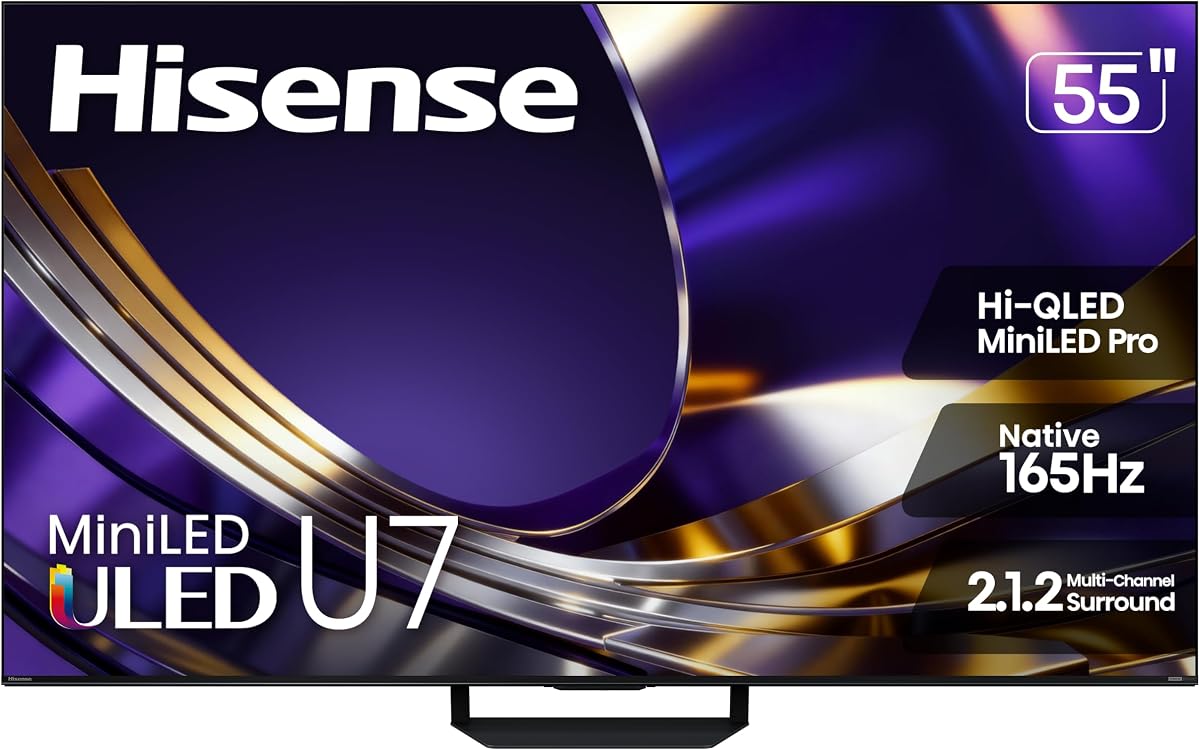
Hisense 55" U7 Mini-LED ULED 4K UHD Best Premium Gaming HDR Google Smart TV (55U7SG, 2026 NEW)
4.4Editor score
165Hz native refresh
3000 nits peak brightness
Anti-reflection screen
Choosing the right Gaming TV for PS5 and Xbox means looking at refresh rates, HDMI 2.1 support, and HDR performance to ensure smooth gameplay and crisp visuals in every title.
We evaluated ten top models based on panel technology, input lag, color accuracy, and smart features to find the best options for next-gen console gaming experiences this year.
Each pick below shows key strengths and trade-offs so you can match a screen to your setup and budget. Prices change often so check current listings before buying.
4.4Editor score

4.1Editor score

4.3Editor score
As an Amazon Associate we earn from qualifying purchases.
Below you will find a side-by-side comparison of all ten models reviewed in this guide to help you spot key differences in specs and features at a glance.




This Sony model stands out for its exclusive PlayStation 5 integration and solid HDR performance. It holds a 4.1 rating and delivers reliable picture quality for both movies and games in a modern living room setup.
We may earn a commission when you buy through this link, at no additional cost to you.
The XR Processor uses AI to optimize color and contrast frame by frame ensuring natural lifelike visuals during intense action scenes. Auto HDR Tone Mapping adjusts picture settings automatically when you switch to your console.
While the price is higher than many peers the value lies in its refined image processing and premium sound design. It may lack some advanced gaming menu options found in other dedicated gaming screens.
If you own a PS5 and want seamless features plus cinematic quality this TV is a strong recommendation. It balances high-end performance with a clean interface that suits any home environment well.
Auto Genre Picture Mode optimizes display settings for gaming versus streaming without manual adjustment saving you time and effort.
The XR Processor analyzes scenes in real time to restore detail and reduce noise for a cleaner more accurate image.
We may earn a commission when you buy through this link, at no additional cost to you.
The Hisense 55 U7 offers premium gaming specs including a 165Hz refresh rate and 3000 nits peak brightness. It holds a 4.4 rating and is built to handle bright rooms and high frame rate content effectively.
We may earn a commission when you buy through this link, at no additional cost to you.
Its anti-reflection screen keeps views crisp even with windows or lights around it. Hi-QLED technology delivers vibrant accurate colors across a wide range of scenes for immersive visual enjoyment.
The main trade-off is the higher price compared to standard QLED screens. Most buyers will find the brightness and motion performance worth the extra cost for serious gaming or HDR viewing.
Choose this model if you need top tier contrast and smooth motion for competitive play. It brings near flagship performance at a mid-range price point for modern consoles.
Dual-layer screen treatment minimizes glare so you can watch comfortably in daylight or bright living spaces without distraction.
Advanced motion tech keeps fast action blur-free delivering fluid gameplay even in the fastest paced multiplayer titles.
We may earn a commission when you buy through this link, at no additional cost to you.
This TCL model delivers strong gaming features at an accessible price point. It carries a 4.3 rating and provides 144Hz refresh capability along with QLED color accuracy for everyday entertainment needs.
We may earn a commission when you buy through this link, at no additional cost to you.
The TCL AIPQ Pro Processor optimizes color and clarity automatically while Google TV makes finding apps simple. Four HDMI inputs let you connect a console plus other devices without a switch.
While it lacks premium brightness and contrast the value is hard to beat for entry-level gamers. You may want to pair it with a soundbar for deeper audio immersion at home.
If you need a fast and affordable screen this TCL is an excellent choice. It supports modern console refresh rates without breaking the bank for casual or competitive players.
The 144Hz gaming mode reduces motion blur for smoother fast-paced gameplay that keeps up with next-gen consoles.
Voice control and easy navigation let you launch games or stream media quickly using familiar smart TV features.
We may earn a commission when you buy through this link, at no additional cost to you.
The iFFALCON 55U85 brings MiniLED tech and full HDMI 2.1 to four ports. It holds a 4.3 rating and offers strong HDR performance for console gaming and streaming entertainment at home.
We may earn a commission when you buy through this link, at no additional cost to you.
Dolby Vision Gaming mode adjusts HDR automatically when switching to your console. With four HDMI 2.1 ports you can connect multiple high-speed devices without compromising refresh rates or VRR features.
Being a less common brand may mean fewer third party reviews but the specs deliver high value. You might need time to fine tune settings to get the best out of MiniLED contrast.
For users wanting maximum connectivity and MiniLED contrast this TV is a compelling option. It supports high frame rates and advanced audio formats for a complete next-gen setup.
All four ports support high-speed modes allowing consoles and PCs to run at full refresh without limiting connections.
Local dimming and high brightness make HDR pop while reducing blooming for a more cinematic image in dark scenes.
We may earn a commission when you buy through this link, at no additional cost to you.
This Hisense model combines MiniLED brightness with a built-in subwoofer and Fire TV. It holds a 4.3 rating and focuses on delivering deep bass and sharp visuals for gaming and streaming at home.
We may earn a commission when you buy through this link, at no additional cost to you.
The Hi-QLED panel delivers accurate colors and the glare-free display keeps views clean in bright rooms. A native 144Hz refresh rate supports fast action without motion blur during competitive matches.
Fire TV offers easy access to Amazon services but may show ads on the home screen. The built-in subwoofer adds bass but a soundbar may still improve dialogue clarity for movies.
Buy this if you prefer Fire OS and want enhanced low-end sound out of the box. It delivers strong motion performance and solid HDR for most next-gen games.
The integrated bass unit adds rumble to explosions and music without needing extra speakers in your setup.
Anti-reflection technology maintains visibility in bright rooms reducing distractions during daytime play sessions.
We may earn a commission when you buy through this link, at no additional cost to you.
This Samsung model uses MiniLED in an affordable package with a Gaming Hub. It holds a 4.3 rating and focuses on bright highlights with decent motion clarity for general gaming use.
We may earn a commission when you buy through this link, at no additional cost to you.
Mini LED HDR provides deeper blacks and brighter highlights than standard LED. Motion Xcelerator improves frame transitions for sports and action content to keep visuals clearer during movement.
The Gaming Hub centralizes apps but software ads and basic processing may reduce the premium feel. Budget buyers will appreciate the MiniLED tech at this price point for better HDR contrast.
If you want Samsung reliability and MiniLED features without spending too much this is a solid pick. It delivers good contrast and brightness for typical console titles.
Access cloud games and console apps directly from the home screen for quick starts without extra hardware.
Precision dimming zones create deeper blacks and brighter highlights for a more dynamic picture in HDR content.
We may earn a commission when you buy through this link, at no additional cost to you.
This Hisense model offers reliable performance for streaming and gaming on a budget. It holds a 4.0 rating and focuses on HDR formats plus Fire TV convenience for everyday household use.
We may earn a commission when you buy through this link, at no additional cost to you.
Hi-QLED delivers vibrant colors and the AI Light Sensor adjusts brightness to ambient conditions. Game Mode Plus helps reduce input lag for console play though it lacks high refresh rates.
Gaming features are limited compared to higher models but HDR and smart functions work well. You may need to lower expectations for motion clarity but the value is strong for casual gamers.
Select this if you prioritize streaming and affordability with decent HDR quality. It supports Dolby Vision and Atmos for a better movie experience in your living room.
The sensor adjusts brightness based on room light to maintain picture quality while saving energy.
Support for key audio video standards improves realism for movies and shows streamed on Fire TV.
We may earn a commission when you buy through this link, at no additional cost to you.
The TCL 65 QM6K delivers large screen immersion with MiniLED brightness and QLED color. It holds a 4.3 rating and aims to compete with premium displays in a more affordable 65 inch format.
We may earn a commission when you buy through this link, at no additional cost to you.
QD-Mini LED combines brightness and rich color for a stunning image. The Halo Control System improves blacks by reducing blooming around bright objects for sharper detail in dark scenes.
You need enough space for a 65 inch screen but the performance is robust. Motion handling is strong with a native 144Hz rate so gamers will appreciate the clarity in fast games.
This is the pick if you want a big screen with premium tech at a reasonable cost. It offers excellent brightness and color for both games and movies in larger rooms.
Quantum Dot and Mini LEDs combine for vivid accurate colors and high brightness in any room.
Local dimming control minimizes haloing for deeper blacks and better shadow detail in HDR content.
We may earn a commission when you buy through this link, at no additional cost to you.
This Roku model brings simple streaming and QLED color to a low price. It holds a 4.4 rating and focuses on ease of use plus decent picture quality for casual gaming needs.
We may earn a commission when you buy through this link, at no additional cost to you.
Roku Smart Picture optimizes incoming signals for better clarity and the QLED screen provides bright colors. Setup takes minutes and the uncluttered remote makes finding games or shows easy.
Gaming performance is limited without high refresh rates or advanced VRR but it works for standard titles. It is best for households where simplicity and affordability matter more than top specs.
If you want a straightforward and affordable screen this Roku is a safe choice. It delivers reliable streaming performance and clear visuals for everyday entertainment.
Auto optimization cleans up TV signals for sharper images without manual adjustment in settings.
Quantum Dot layer boosts color range for vivid accurate visuals across movies and games.
We may earn a commission when you buy through this link, at no additional cost to you.
This Samsung model provides entry-level performance with solid motion processing for games and sports. It holds a 4.2 rating and focuses on 4K clarity plus an accessible price for new buyers.
We may earn a commission when you buy through this link, at no additional cost to you.
Crystal Processor upscaling improves detail in lower resolution content while Color Booster enhances vibrancy. Motion Xcelerator helps keep action scenes smoother for casual gaming or sports viewing at home.
It lacks advanced gaming tech and HDR depth but delivers value for the price. If you need a basic reliable screen this model covers essentials without extra cost or setup steps.
Choose this if you want a simple reliable screen for light gaming and daily streaming. It offers dependable picture quality and a familiar smart TV experience for most users.
Optimized frame transitions reduce blur in action scenes for smoother visuals during sports or games.
Enhances lower resolution content to near 4K quality for a clearer and more detailed viewing experience.
We may earn a commission when you buy through this link, at no additional cost to you.
Selecting a TV for PS5 or Xbox requires attention to refresh rate, HDMI standards, and HDR formats to maximize your console output.
A higher refresh rate like 120Hz or 144Hz ensures smoother motion in fast games. Variable Refresh Rate prevents screen tearing by matching the panel to console output.
Look for native high refresh panels rather than interpolated rates for best gaming accuracy and performance.
HDMI 2.1 enables 4K at 120Hz or 144Hz plus VRR and ALLM. Ensure both HDMI ports needed for consoles are full bandwidth 2.1 not 2.0.
This spec is essential for next-gen consoles to unlock their maximum performance and resolution capabilities.
OLED offers perfect blacks and instant response while MiniLED provides high brightness and contrast. QLED delivers strong color volume especially in bright rooms.
Choose based on room lighting and priority between contrast or peak brightness for your setup.
Dolby Vision and HDR10+ improve dynamic contrast and color. Dolby Vision Gaming automatically optimizes HDR for consoles without manual settings.
Check that the TV supports HDR formats your games use to see the best color and contrast.
Low input lag is crucial for competitive play. Game mode reduces processing to keep controls responsive and precise.
Test or research measured input lag before buying especially for fast-paced multiplayer games.
Google TV, Fire TV, and Roku platforms provide app access and voice control. Choose an interface that matches your streaming habits.
Look for voice assistants and app availability to streamline daily use and discovery.
Dolby Atmos or DTS:X support improves sound immersion. Built-in subwoofers add bass for impactful game audio.
Consider pairing with a soundbar if the built-in speakers lack depth or clarity.
Glare-free screens help in bright rooms or near windows. Anti-reflection coatings keep views clear during daytime sessions.
Check if the model has glare treatment if your setup includes ambient light sources.
Connect your console to an HDMI 2.1 port and enable Game Mode in settings to reduce input lag. Adjust the picture preset to game or cinematic mode for best colors.
Use HDMI enhanced format to ensure full bandwidth for 4K120Hz. Enable VRR and Auto Low Latency Mode for the smoothest experience.
Keep the screen clean with a microfiber cloth and avoid direct sunlight to prevent glare. Update firmware regularly to access performance improvements and fixes.
You need HDMI 2.1 to get 4K at 120Hz with VRR. Most modern TVs include at least one full-bandwidth HDMI 2.1 port for console connections.
Only TVs with a native 144Hz refresh rate can deliver that speed smoothly. Interpolated rates help motion but do not match true panel refresh for console output.
OLED offers perfect blacks and faster response while MiniLED provides higher brightness. OLED is ideal in dark rooms and MiniLED in bright spaces.
ALM automatically switches the TV to Game Mode when a console is active reducing input lag. This ensures responsive gameplay without manual settings changes.
Many consoles with HDMI 2.1 and high refresh rates also work well with gaming PCs. Look for VRR and freeSync to reduce tearing.
Use a TV with anti-reflection coating and position it away from direct windows or bright lights. Adjust brightness and ambient lighting in the room.
Our top picks cover a range of budgets and needs from Sony's PS5 optimization to Hisense's high refresh premium panel.
Focus on HDMI 2.1 ports and high refresh rates to unlock next-gen console performance while balancing HDR and sound quality.
Check current prices before buying as models and discounts change often across retailers and seasons.