
Seagate 1TB Mobile HDD SATA 6Gb/s 128MB Cache 2.5" Internal Bare Drive
4.4Editor score
Thin 7mm design for portability
Lightweight for mobile setups
Stores up to 124 hours of HD video
Choosing the right hard drive for your Eufy Homebase 3 is essential for ensuring your home security system runs smoothly and stores footage reliably. A compatible drive must support continuous recording, handle high write workloads, and offer sufficient capacity for extended retention periods without failure.
We evaluated ten top-rated hard drives and solid state drives based on their suitability for surveillance systems, build quality, and manufacturer reliability. Each option was selected to meet the specific technical demands of the Eufy Homebase 3 while offering varying capacities to fit different budget and storage needs.
Each review highlights key specifications, pros, and cons to help you decide which storage solution fits your setup best. Please note that product availability and pricing may change frequently, so always verify the latest details on the manufacturer or retailer site before purchasing.
4.4Editor score
4.3Editor score

4.6Editor score
As an Amazon Associate we earn from qualifying purchases.
The following table provides a side-by-side comparison of the ten selected storage options, detailing their primary specifications and intended use cases to help you quickly identify the best fit for your Eufy Homebase 3 setup.





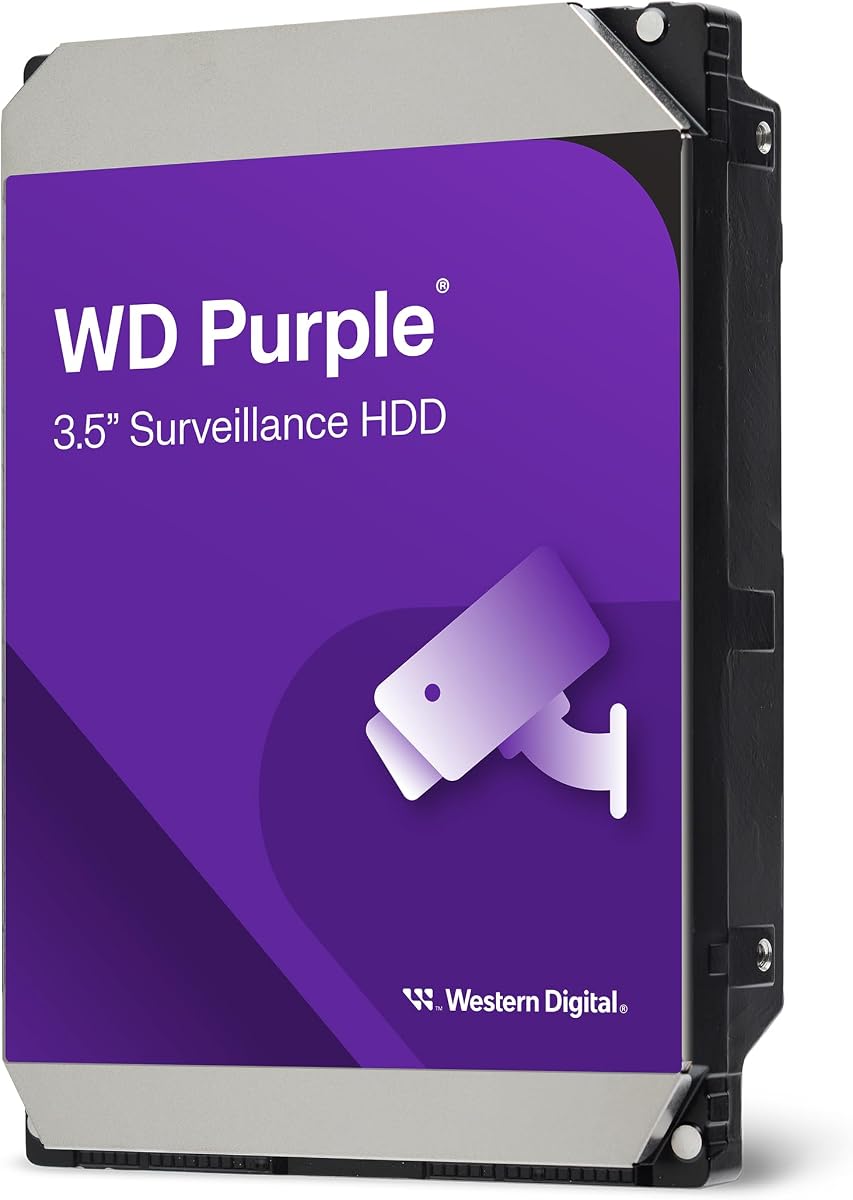
This drive is engineered specifically for surveillance systems like the Eufy Homebase 3, ensuring it handles continuous writing without degrading quickly. With a strong rating and specialized firmware, it is a top choice for users prioritizing data integrity and uptime.
We may earn a commission when you buy through this link, at no additional cost to you.
WD Purple drives feature AllFrame technology, which reduces frame loss and improves video quality during high stream-count workloads. This makes it exceptionally reliable for security setups where missing footage is not an option.
While it is designed for desktop-style enclosures, the drive handles heat and vibration well, ensuring longevity. The workload rate is significantly higher than standard desktop drives, making it a robust investment.
If you need a reliable, purpose-built drive for your Homebase 3, this WD Purple model stands out. It balances performance and capacity effectively for most home security needs.
AllFrame technology ensures smoother recording by reducing video frame loss during high-write operations.
Rated for up to 180TB per year, this drive is built to handle continuous 24/7 recording cycles.
We may earn a commission when you buy through this link, at no additional cost to you.
This Seagate mobile HDD offers a budget-friendly way to add storage to your setup. Its thin design and lower price point make it appealing for users who need basic storage without breaking the bank.
We may earn a commission when you buy through this link, at no additional cost to you.
With 1TB of space, it stores a significant amount of footage for smaller systems. The 128MB cache helps maintain smooth data writing during normal operations.
Although not specialized for surveillance, it performs adequately for casual use. However, continuous heavy write loads might shorten its lifespan compared to dedicated drives.
If you are looking for a compact, inexpensive drive, this is a strong contender. It fits well in constrained spaces where larger drives won't fit.
At just 7mm thin, this drive saves space while still delivering solid storage capacity for small systems.
Ideal for users who need basic storage without the premium features or cost of specialized drives.
We may earn a commission when you buy through this link, at no additional cost to you.
For users needing extensive storage, this 6TB SkyHawk drive offers ample space for months of footage. Its premium features include health management and a high cache size for better performance.
We may earn a commission when you buy through this link, at no additional cost to you.
SkyHawk drives are built for 24/7 operation and include Image Perfect firmware. This ensures crisp video recording even when multiple streams are writing simultaneously.
The large capacity reduces the need for frequent overwrites, keeping history intact longer. However, it is more expensive than smaller drives and requires compatible hardware.
If storage longevity and capacity are your priority, this drive is a great investment. It is built to handle the demands of professional-grade security systems.
Includes tools to monitor drive health, helping you detect potential issues before data loss occurs.
Engineered for video workloads, ensuring reliable recording without frame drops or corruption.
We may earn a commission when you buy through this link, at no additional cost to you.
WD Blue drives are known for reliable everyday computing and general use. With a solid rating and 1TB capacity, it is a versatile choice for various storage needs.
We may earn a commission when you buy through this link, at no additional cost to you.
These drives are tested in WD F.I.T. Labs to work with a wide range of configurations. The inclusion of cloning software adds convenience for upgrades.
While not optimized for surveillance, it can handle moderate use. However, continuous writing may stress the drive more than a purpose-built alternative.
For general storage tasks where budget and compatibility matter, this drive is reliable. Ensure you check compatibility with your specific Homebase 3 setup.
Includes free Acronis True Image software to simplify migrating data to a new drive.
WD Blue drives are designed for consistent performance in a variety of computing environments.
We may earn a commission when you buy through this link, at no additional cost to you.
This BarraCuda drive offers 5TB of space in a compact 2.5-inch form factor. It is a strong option for those needing significant storage without the bulk of larger drives.
We may earn a commission when you buy through this link, at no additional cost to you.
Backed by years of innovation, these drives are known for dependable performance in desktop environments. They support a variety of applications from media to backups.
However, it lacks surveillance-specific features like image optimization. This may affect performance during intense continuous recording scenarios.
For users prioritizing capacity in a small form factor, this drive is appealing. It is a good general-purpose solution for storing large volumes of data.
5TB capacity in a 2.5-inch form factor makes it ideal for space-constrained setups.
Backed by BarraCuda's reputation for durability and consistent performance across various systems.
We may earn a commission when you buy through this link, at no additional cost to you.
With 8TB of space, this drive provides immense capacity for archiving and continuous recording. It offers high transfer rates for faster access to stored data.
We may earn a commission when you buy through this link, at no additional cost to you.
BarraCuda drives are built for gaming and heavy workloads, ensuring consistent performance under pressure. The packaging simplifies setup with minimal accessories.
Its large size makes it ideal for desktop enclosures but less suitable for compact or portable setups. Continuous writing may increase heat and power needs.
If you need massive storage for long-term retention, this is an excellent option. It is best suited for stationary, well-ventilated setups.
Sustained transfer rates of 190MB/s ensure quick access and writing of large video files.
8TB capacity allows for months of continuous recording across multiple camera streams.
We may earn a commission when you buy through this link, at no additional cost to you.
The Skyhawk 4TB is designed specifically for surveillance systems, making it ideal for the Eufy Homebase 3. It handles 24/7 recording reliably with specialized firmware.
We may earn a commission when you buy through this link, at no additional cost to you.
With Image Perfect firmware and rotational vibration sensors, this drive ensures smooth video streams even under load. It supports multiple camera feeds without compromising quality.
While it requires a 3.5 inch bay and more power, the reliability benefits outweigh the downsides for security setups. It is a balanced choice for serious monitoring.
If you need a dedicated surveillance drive with ample space, this model is a strong pick. It balances performance and cost effectively.
Rotational vibration sensors maintain performance in multi-drive environments.
Optimized for video workloads to ensure smooth, uninterrupted recording.
We may earn a commission when you buy through this link, at no additional cost to you.
This 2TB SkyHawk drive brings surveillance-optimized storage to smaller setups. It includes health management tools to monitor drive status effectively.
We may earn a commission when you buy through this link, at no additional cost to you.
Built for 24/7 operation, it handles continuous writing better than standard desktop drives. The 64MB cache ensures smooth data flow during recording.
While 2TB limits retention time compared to larger drives, it is a cost-effective start for new users. It performs well for light to moderate use.
For users starting a security system with limited budget, this drive is a smart choice. It offers the right balance of features and affordability.
An affordable option that still offers specialized firmware for continuous recording.
Includes tools to track drive health and prevent unexpected failures.
We may earn a commission when you buy through this link, at no additional cost to you.
SkyHawk AI drives are built to support advanced analytics and multi-camera setups. Despite its 1TB size, it offers top-tier performance features for demanding environments.
We may earn a commission when you buy through this link, at no additional cost to you.
With AI optimization and high transfer rates, it handles complex workloads efficiently. Data protection features like tarnish resistance add reliability for sensitive data.
However, the price point is high relative to storage size. It is best for those who need specialized AI features rather than raw space.
If you need advanced capabilities for professional surveillance, this drive excels. It offers robust technology for specialized setups.
Optimized to support AI analytics streams without performance bottlenecks.
Includes tarnish-resistant components and data recovery services for added security.
We may earn a commission when you buy through this link, at no additional cost to you.
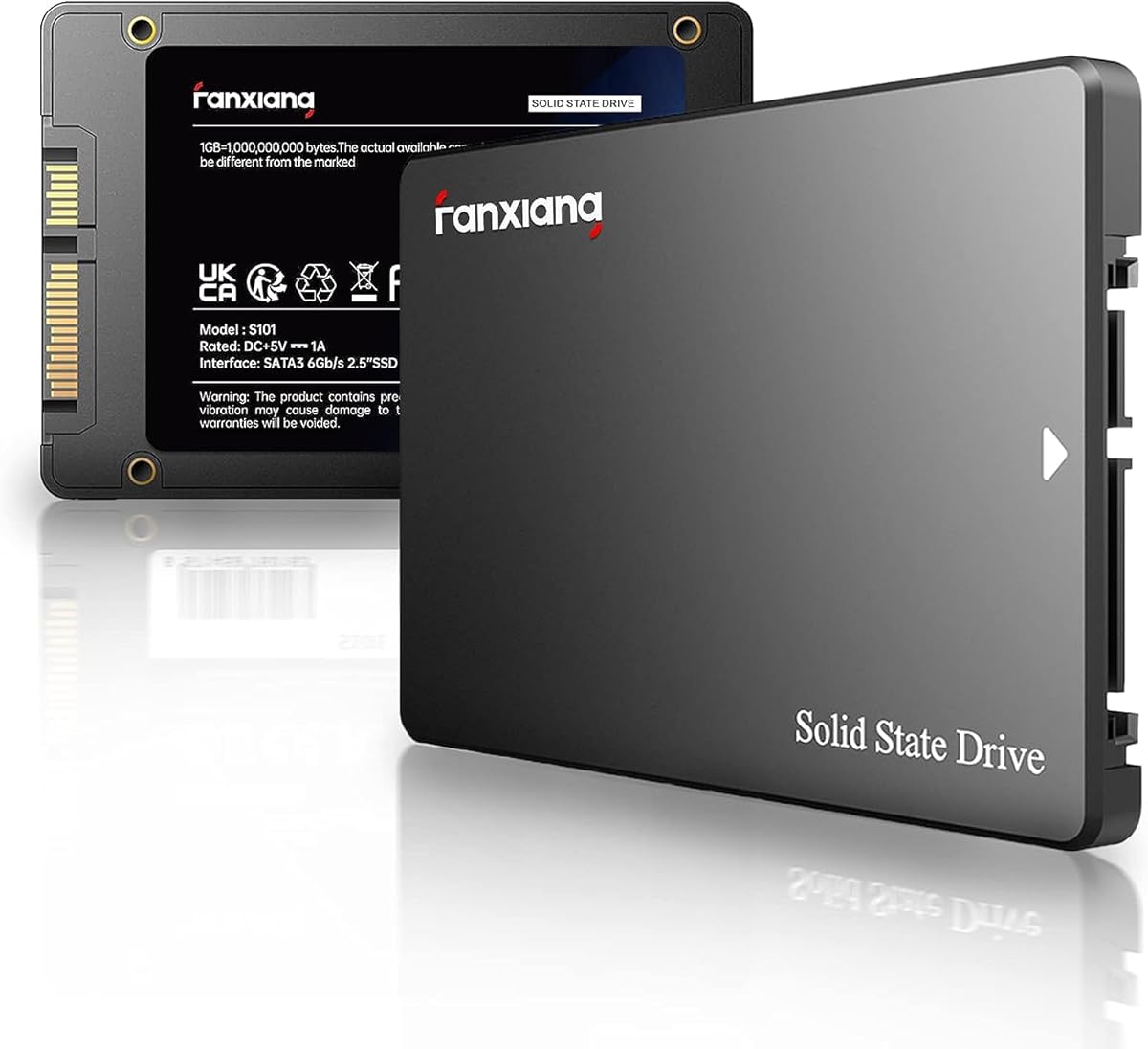
This SSD offers a faster, more durable alternative to traditional hard drives. With 520MB/s speeds, it delivers quick data access and silent operation.
We may earn a commission when you buy through this link, at no additional cost to you.
Using 3D NAND TLC, it provides better endurance than standard SSDs, making it suitable for regular write operations. It is ideal for environments where noise is a concern.
However, continuous heavy writing may wear it faster than a surveillance HDD. It is best suited for setups prioritizing speed over long-term continuous recording.
If you need fast boot times and silent performance, this SSD is a strong option. It brings modern storage technology to your security setup.
Boot up and access files 50% faster than traditional HDDs with this SSD.
Built with 3D NAND TLC for longer write lifespans and reliable performance.
We may earn a commission when you buy through this link, at no additional cost to you.
Selecting the right storage for your Eufy Homebase 3 involves understanding capacity, drive type, and reliability factors. This guide helps you make an informed decision.
Capacity determines how much footage you can store before older files are overwritten. For a single camera, 1TB may suffice, but multiple streams require larger options like 2TB or 4TB.
Choose a capacity that aligns with your retention needs. If you need to store footage for weeks or months, opt for higher capacities to avoid frequent overwrites.
Hard Disk Drives (HDDs) offer more storage per dollar and are durable for continuous writing. Solid State Drives (SSDs) are faster and silent but cost more and may wear out under constant writes.
For most home security, an HDD is sufficient. SSDs are better if you prioritize speed and noise reduction over cost and endurance.
Surveillance drives are designed for 24/7 operation and handle continuous writes better than desktop drives. They include firmware optimized for video streams and heat resistance.
Using a surveillance-specific drive ensures reliability. Desktop drives may struggle with constant recording and fail sooner under heavy use.
Check whether your Homebase 3 supports 2.5-inch or 3.5-inch drives. 2.5-inch drives are smaller and use less power, while 3.5-inch drives offer higher capacity.
Ensure the drive fits the physical bay. If the unit is portable, prefer a 2.5-inch drive to save space and reduce weight.
Workload rate indicates how much data a drive can write per year. Surveillance drives often support 180TB/year, while desktop drives may be lower.
Choose a drive with a workload rate that matches your usage. High workload ratings ensure longevity under continuous recording.
Faster interfaces like SATA 6Gb/s improve data transfer rates, reducing lag during recording. This ensures footage is saved quickly and reliably.
Always select drives with modern interfaces to maintain performance. Older interfaces may bottleneck your system during high-resolution recording.
A longer warranty reflects manufacturer confidence in the drive's durability. Most surveillance drives offer 3-year warranties, ensuring replacement options if issues arise.
Check warranty terms before purchasing. A solid support policy adds peace of mind for critical security applications.
Install the drive securely in the Homebase 3, ensuring it is seated properly to avoid connection issues. Power the unit and follow the Eufy app steps to format and initialize the drive.
Keep the Homebase 3 in a cool, well-ventilated area to prevent overheating. Excess heat can reduce drive lifespan, so ensure airflow around the unit is unrestricted.
Regularly check drive health via the app or monitoring tools. Updating firmware and checking for errors helps maintain performance and extend the drive's life.
Most Eufy Homebase 3 units support standard 2.5-inch SATA drives. Some models may allow 3.5-inch drives if space permits. Always check your device manual to confirm the supported form factor before purchasing.
Yes, but a surveillance drive is recommended. Desktop drives are not built for continuous writing and may fail faster under 24/7 operation. Surveillance drives ensure better reliability and longevity.
A 1TB drive typically stores about 100 to 200 hours of HD video depending on camera count and resolution. For longer retention, consider upgrading to higher capacity drives.
Yes, most drives need to be formatted by the Homebase 3 before use. This ensures compatibility and optimal performance. The app will guide you through the formatting process.
When full, the drive will automatically overwrite the oldest footage. This ensures continuous recording without manual intervention. Make sure the capacity suits your retention needs.
Check drive health monthly or quarterly to catch potential issues early. Regular checks help prevent unexpected data loss and ensure your security system runs smoothly.
The best hard drive for your Eufy Homebase 3 depends on your storage needs and budget. Options like the WD Purple and Seagate SkyHawk offer excellent reliability for continuous recording.
Prioritize drives designed for surveillance to ensure they handle 24/7 writes. Matching capacity to your camera count ensures you keep footage long enough for review.
Prices and availability change often. Verify current listings and compatibility before buying to get the most value for your setup.